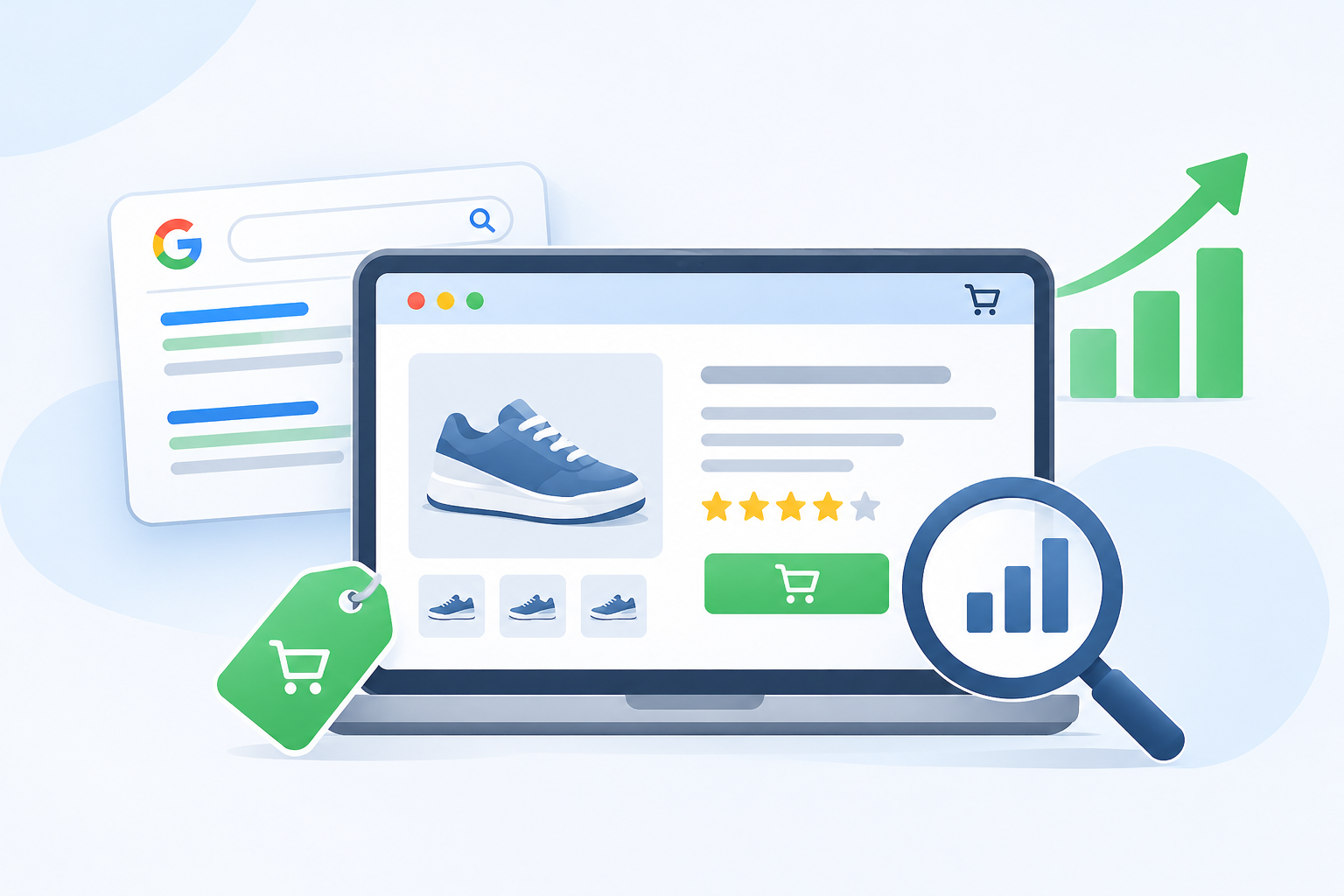
You have great products. You took good photos. You set a fair price. But your online shop gets few visitors, and the ones who come do not buy.
Often the problem sits in one small place: the product description. Many shops copy the text from the supplier, write two lazy lines, or leave the box almost empty. Google has nothing to read. Shoppers have nothing to trust.
This guide is about ecommerce product description SEO. That means writing product text that helps people find your page on Google and helps them decide to buy. We will keep it simple, with steps and examples you can use today. If you want a wider look at getting found in Nepal, read our post on SEO services in Nepal and how to get found on Google.
What Is Ecommerce Product Descriptions SEO?
Ecommerce product descriptions SEO is the work of writing the text on your product pages so that:
- Google understands what the product is and who it is for.
- Shoppers feel sure enough to click “Add to cart.”
Both matter. A page that ranks but does not convince will not make sales. A page that convinces but never shows up on Google will not get seen. A good description does both jobs.
Why Product Descriptions Matter So Much
A shopper in a real shop can pick up an item, feel it, and ask questions. Online, they only have your photos and your words. The description is your shop assistant.
It also helps Google. Search engines read your text to decide which searches your page should show up for. If the text is thin, Google has to guess.
The Problem With Copied Descriptions
Many online shops copy the text that came from the maker or supplier. It saves time. But it causes three problems.
- Many shops use the same words. Google sees the same text on dozens of sites and has no reason to put yours first.
- It is written for the maker, not the shopper. It talks about the brand, not about what the buyer needs.
- It rarely uses the words your customers type. Suppliers do not think about local search.
The fix is not hard. Write your own words, based on what your customers want to know.
Step 1: Know Your Shopper
Before you write a single line, picture the person who will read it. Ask:
- Who buys this? A student? A parent? A shop owner?
- What problem are they trying to solve?
- What worries them before they buy? Size? Quality? Delivery? Returns?
- What words would they use to describe it?
If you sell in Nepal, think about what local shoppers care about. They may want to know if cash on delivery is possible, how fast delivery is to their city, whether the item is original, and if there is a warranty. Answer those fears in the description or near it.
Step 2: Find the Right Keywords
Keywords are the words people type into Google. For a product page, you want one main keyword and a few helpful extras.
Start With the Product Name and Type
A good main keyword is usually the product name plus its type. For example:
- “men’s running shoes”
- “stainless steel water bottle”
- “cotton kurta for women”
Add Detail Words
Shoppers add details when they are ready to buy. These longer phrases are easier to rank for:
- Size or color: “black 1-liter water bottle”
- Use: “running shoes for flat feet”
- Place: “buy kurta online in Kathmandu”
- Brand and model: if the person already knows what they want
Where to Find Keyword Ideas
- Type your product into Google and see the ideas in the search box.
- Scroll to the “People also ask” box.
- Check Google Search Console to see the words people already use to find your shop.
- Look at how your customers describe the product in messages and reviews.
Pick one main keyword per product page. If two pages target the same word, they compete with each other.
Step 3: Write a Product Title That Works
The title is the first thing people and Google see. A strong title has the product name, one or two key details, and fits on the screen.
| Weak title | Better title |
|---|---|
| Bottle 01 | Stainless Steel Water Bottle, 1 Liter, Leak-Proof |
| Women’s Kurta | Cotton Kurta for Women, Short Sleeve, Blue |
| Running Shoe X2 | Men’s Running Shoes for Flat Feet, Lightweight |
Keep the title clear and honest. Do not stuff in every keyword you can think of.
Step 4: Write the Description Itself
Here is a simple formula you can use for ecommerce product descriptions SEO. It works for most products.
The First Two Sentences Matter Most
Start with what the product is and who it helps. Put your main keyword in naturally. Many shoppers only read this part.
This stainless steel water bottle keeps drinks cold for hours and hot for even longer. It is made for people who walk, travel, or work long days and want a bottle that does not leak.
Then Explain the Benefits
A feature says what the product has. A benefit says what it does for the buyer. Always link the two.
| Feature | Benefit |
|---|---|
| Double-wall steel | Your tea stays hot on a cold morning |
| Leak-proof lid | You can toss it in your bag without worry |
| 1-liter size | You do not need to refill it all day |
Add the Facts Shoppers Need
Many people leave because they cannot find basic facts. Add a short list near the text:
- Size and weight
- Material
- Colors available
- What is in the box
- Care or washing steps
- Warranty or return time
A small table or bullet list is easier to read than a long paragraph.
Answer Common Questions
Think of the questions customers send you again and again. Put the answers right on the page. For example: “Is it dishwasher safe?” or “Does it fit a standard cup holder?” This saves you time on messages and builds trust.
Close With a Gentle Push
End with a short line that helps the shopper act. It could mention delivery, easy returns, or a quick way to ask a question. Keep it friendly, not pushy.
Step 5: Write Like a Person, Not a Robot
This is where many product pages fail. They sound like a machine wrote them.
- Use short sentences.
- Use everyday words. Say “strong” instead of “robust,” and “easy” instead of “seamless.”
- Talk to one person, using “you.”
- Skip empty praise like “best quality ever” and “amazing product.” Show proof instead.
- Be honest about limits. If a shirt runs small, say so. It lowers returns and builds trust.
Read your description out loud. If you would never say it to a customer in your shop, change it.
Step 6: Use Keywords the Right Way
Put your main keyword in these places:
- The product title
- The first sentence or two of the description
- The page web address (the slug)
- The meta title and meta description
- One of the image names or alt text
Then use related words naturally across the page. Do not repeat the same phrase again and again. Google understands meaning, and stuffed text puts shoppers off.
Step 7: Fix the Meta Title and Description
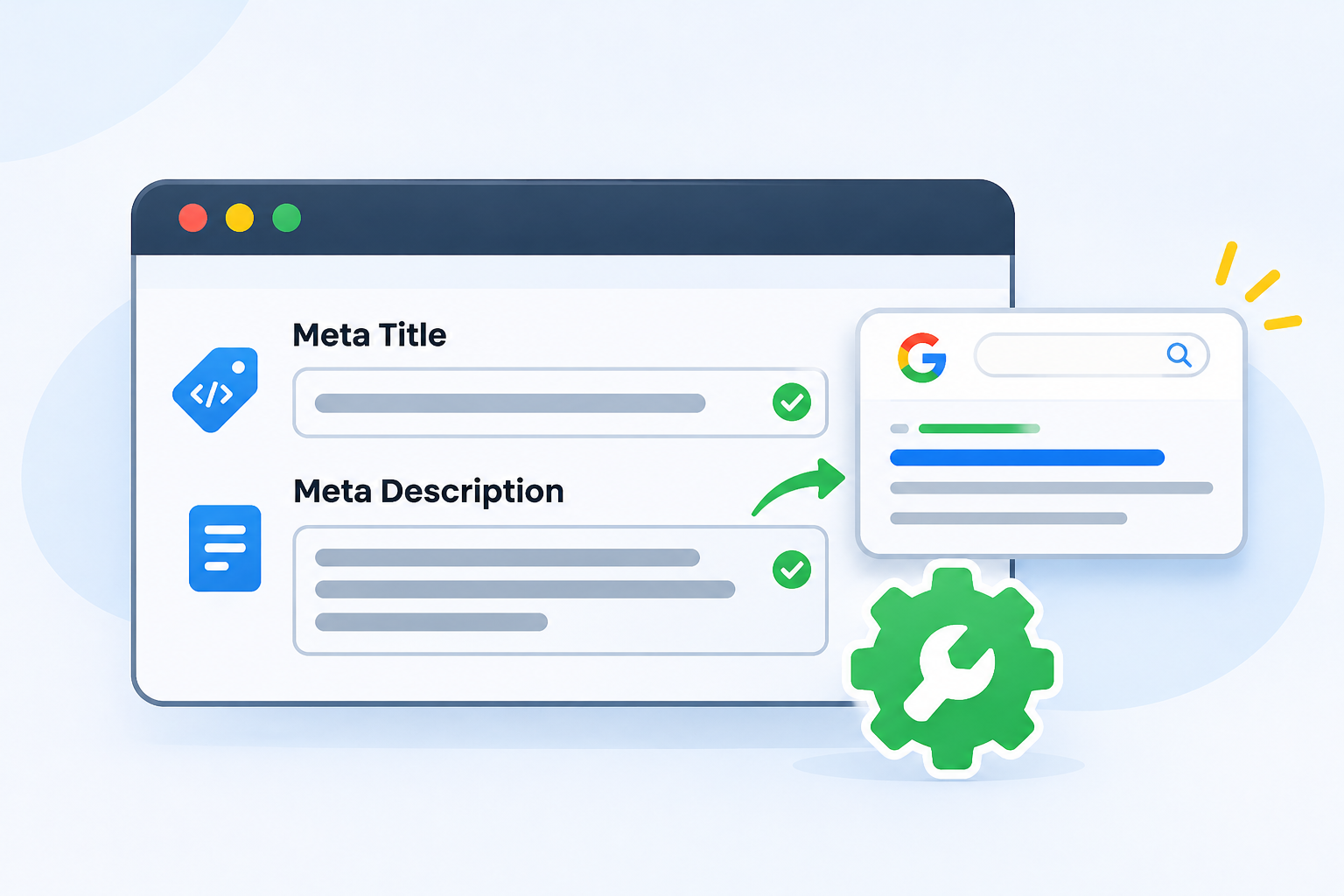
These two small pieces show up in Google results. They are often the reason someone clicks on your page and not your rival’s.
- Meta title: Keep it under about 60 characters. Include the product name and a useful detail.
- Meta description: Keep it under about 155 characters. Say what the product is, one benefit, and a reason to click, like free delivery or easy returns.
Write a different one for every product. Do not use the same text across hundreds of pages.
Step 8: Use Images and Alt Text
Images sell products. They also help SEO.
- Use clear, bright photos from different angles.
- Show the product in use, not only on a white background.
- Give each image a plain file name, like
blue-cotton-kurta-women.jpg, not.IMG_2048.jpg. - Add short alt text that describes what is in the picture, such as “Woman wearing a blue cotton kurta.”
- Compress big images so the page loads fast. Check your speed on PageSpeed Insights.
Alt text helps people who use screen readers, and it helps Google understand the image.
Step 9: Add Structured Data
Structured data is a bit of hidden code that tells Google the exact facts about your product, like its name, price, and whether it is in stock. It can help your products show more details in search.
Google explains how in its guide to product structured data. Many shop platforms and plugins can add it for you. Make sure the price and stock in the code match what visitors see on the page.
Step 10: Show Reviews and Real Proof
Shoppers trust other shoppers. If you have honest reviews, show them on the product page. They also add fresh, useful words to the page, since customers describe the product in their own way.
Never write fake reviews. They break trust, and they can break platform rules too.
Handling Many Products and Variants
Big shops cannot hand-write every page on day one. Here is how to be smart about it.
- Start with your best sellers. Rewrite those first.
- Next, do products with high views but low sales. The description may be the problem.
- Group variants. If a shirt comes in five colors, use one page with a color choice instead of five near-copy pages, when your platform allows it.
- Use a template, then personalize. A template for the layout is fine. But each description needs its own words.
- Do not publish duplicate pages. If two pages are almost the same, merge them or make each one truly different.
A Before and After Example
Here is a weak description for a bag.
Before:
Backpack. High quality. Many colors. Buy now.
Here is a stronger one.
After:
This waterproof laptop backpack is made for students and office workers who travel in the rain. It fits laptops up to 15.6 inches and has a padded back, so your shoulders stay comfortable on long walks. The zippers are strong, and the fabric wipes clean with a damp cloth.
Size: 45 x 30 x 15 cm. Weight: 700 grams. Colors: black, gray, navy. Cash on delivery is available in the Kathmandu Valley.
The second one tells the shopper who it is for, what it does, and what to expect. It is also much easier for Google to understand.
Quick Checklist for Each Product Page
Use this list before you hit publish.
- Does the title include the product name and one key detail?
- Is the main keyword in the first one or two sentences?
- Did I write my own text, not copy the supplier?
- Did I explain benefits, not only features?
- Are size, material, color, and care facts easy to find?
- Did I answer the top customer questions?
- Are the images clear, with simple file names and alt text?
- Is there a unique meta title and meta description?
- Do the price and stock match the page?
- Does the page load fast on a phone?
Common Mistakes in Ecommerce Product Descriptions SEO
- Copying text from the supplier or from other shops
- Writing very short descriptions with only a few words
- Using the same text across many product pages
- Stuffing the keyword in again and again
- Using only features, with no benefits
- Forgetting to mention size, material, or delivery
- Skipping image alt text
- Leaving out honest limits, which causes returns
- Not checking pages on a phone
How to Track Results

After you update your pages, give Google a few weeks. Then check the results.
- In Search Console, see if the page shows up for more searches and gets more clicks.
- In your analytics tool, see if more visitors add to cart and buy.
- Look at which pages improved the most and write the next ones in the same style.
SEO takes time. Expect to wait several weeks, and sometimes a few months, to see steady gains.
Frequently Asked Questions
What is ecommerce product descriptions SEO?
It is writing product page text so that Google can understand it and shoppers feel confident buying. It covers titles, descriptions, keywords, images, and page facts.
How long should a product description be?
There is no fixed number. Simple products may need 100 to 200 words. Complex or costly products may need more. Write as much as a shopper needs to feel sure, and no more.
Can I use the supplier’s description?
It is better not to. Many shops use the same text, so your page has no special value. Write your own, even if you borrow facts like size and material.
How many keywords should I use per product page?
Use one main keyword and a few related phrases. Place them naturally. Do not repeat the same phrase many times.
Do product descriptions affect Google ranking?
Yes. Google reads your text to understand the page. Clear, helpful, original descriptions give it more to work with, and they help shoppers stay on the page.
What should I put in a product description?
What the product is, who it is for, its main benefits, key facts like size and material, answers to common questions, and delivery or return info.
Should I write long descriptions for every product?
Not necessarily. Spend more time on your best sellers and high-value items. Simple, low-cost items can have shorter text, as long as it is original and useful.
Are bullet points good for product descriptions?
Yes, for facts like size, material, and what is in the box. Use short paragraphs for the story and benefits.
How do I write descriptions for many products quickly?
Create a layout you reuse, collect facts in a sheet, and write the first two sentences and benefits fresh for each product. You can use an AI tool for a first draft, but always edit it, check the facts, and add details only you know.
What are the best keywords for product pages?
Product name plus type, with detail words like size, color, use, or place. Check Search Console and Google’s suggestions to see what real shoppers type.
Do images help ecommerce SEO?
Yes. Clear photos help sales. File names and alt text help Google understand the images. Fast loading helps both shoppers and rankings.
How often should I update product descriptions?
Update them when facts change, such as price, stock, size, or materials. Also review your top products every few months and improve them using customer questions.
Can I use the same description for different colors?
It is usually better to put all colors on one page. If you must keep separate pages, make sure each page has something truly different, not just a copied block of text.
Do reviews help product page SEO?
They can. Honest reviews add real customer words and build trust. Never post fake reviews.
Final Thoughts
Good ecommerce product descriptions for SEO are not about tricks. It is about helping a real person decide. Know your shopper, pick one clear keyword, write in plain words, and give the facts they need. Then add clean images, a good title, and a sharp meta description.
Start small. Pick your top five products this week and rewrite them. Check the results in a month, then keep going.
Need help with your online store? The team at Flowrage can help you get found on Google and turn more visitors into buyers. You can also begin with our guide to SEO services in Nepal.