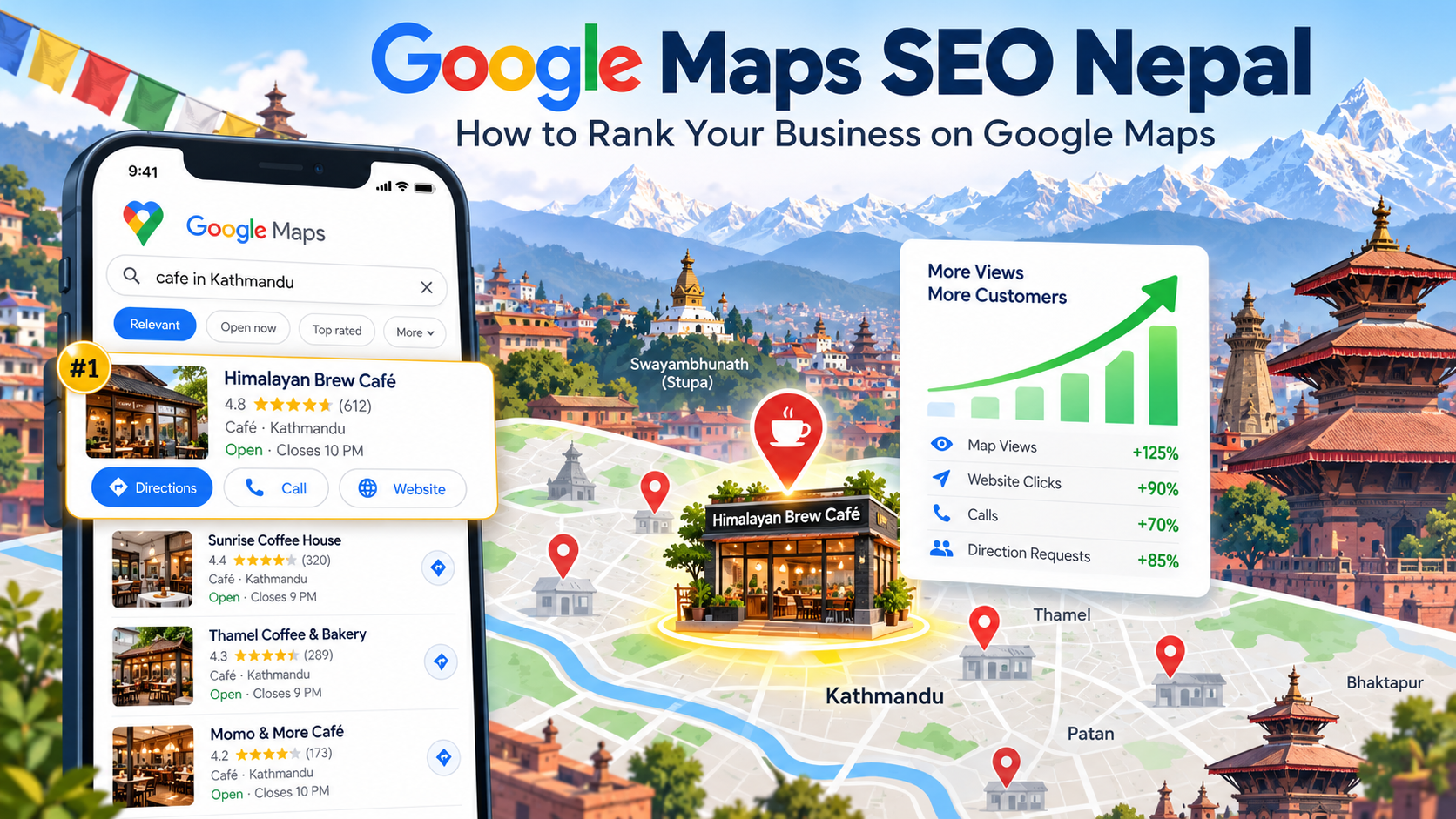
You are hungry. You pick up your phone and type “momo near me.” Google shows a map with three shops. You tap one and call, or walk over. The other shops never got a chance.
This is what Google Maps does for local businesses. If your shop, clinic, cafe, or service company is not in those top spots, many nearby customers never see you.
This guide explains Google Maps SEO Nepal in plain steps. You will learn how Google picks who shows up, what to fix first, what to avoid, and when it makes sense to ask an SEO agency in Nepal for help.
Quick Answer: Google Maps SEO Nepal in Short
Google Maps SEO Nepal means making your business easy for Google to find, trust, and show on the map when people search nearby. The main steps are to claim and verify your Google Business Profile, choose the right categories, fill in every detail, add real photos, collect honest reviews, keep your name, address, and phone number the same everywhere, and back it all up with a good website.
Results take weeks, not days. No one can promise you the top spot, because Google decides the order.
What Is Google Maps SEO?
SEO means making your business easier to find on Google. Google Maps SEO is the part that helps you show up on the map and in the small “local pack” of three businesses at the top of the results.
It is close to local SEO, but not the same. Local SEO covers your website and your map listing together. Maps SEO is about the listing itself, which is called your Google Business Profile. To see how both fit together for a small shop, read our simple SEO guide for small businesses in Nepal.
Why Google Maps SEO Nepal Matters for Local Businesses
People who search on a map usually want something now. They want a dentist, a repair shop, a restaurant, or a hardware store close to them. They tap, call, and visit, often the same day.
For Google Maps SEO Nepal, there is a second reason. Many Nepali businesses still have an unclaimed or half-filled profile. A complete, active profile gives you an easy lead over them. It costs time, not money, to set up.
How Google Ranks Businesses on Maps
Google says local results are based mainly on three things: relevance, distance, and prominence. You can read this in Google’s own help page on how to improve your local ranking. These three things drive Google Maps SEO Nepal results too.
| Factor | What it means | What you can do |
|---|---|---|
| Relevance | How well your profile matches the search | Pick the right categories and fill in every detail |
| Distance | How far you are from the person searching | Put your pin in the exact spot and keep your address correct |
| Prominence | How well known and trusted you are | Get reviews, mentions, and links, and keep a good website |
You cannot change distance, because you cannot move your shop. You can work on the other two.
Google Maps SEO Nepal Checklist: Step by Step
Work through these steps in order. Each one builds on the last.
Step 1: Claim and Verify Your Business Profile
Search for your business name on Google Maps. If it is there, claim it. If not, create a new profile. Then verify it. Google may ask for a video, a phone call, an email, or a code, depending on your business. Every Google Maps SEO Nepal plan starts here, because without verification you have little control over what people see.
Step 2: Choose the Right Categories
Pick one main category that best describes what you do, such as “Dentist” or “Air conditioning repair service.” Add a few extra categories only if they are true. Too many unrelated ones confuse Google.
Step 3: Fill In Every Detail
An empty profile tells Google nobody is looking after the business. Complete these parts:
- Business name: Use the real name on your signboard. Do not add keywords or city names to it.
- Address and pin: Place the pin on your entrance.
- Phone number: Use a number that someone answers.
- Opening hours: Keep them correct, and update them for festivals.
- Services and description: Say what you do in plain words. The description has a limit of about 750 characters.
- Website link: Link to the page that best matches your business.
Step 3b: Keep Your Name, Address, and Phone Number the Same
This is called NAP. Your name, address, and phone number should match on your profile, your website, Facebook, and any directory. Small differences, like “Rd” on one and “Road” on another, can confuse search engines.
Step 4: Add Real Photos
Add clear photos of your signboard, entrance, inside space, team, and finished work. A photo of the front helps people find you in a busy market lane. Use your own photos, not stock images.
Step 5: Get Honest Reviews
Reviews are one of the strongest signals for Google Maps SEO Nepal, and Google confirms that review count and score affect local ranking. They also help people choose you.
- Ask happy customers right after the job. A short message with your review link works well.
- Reply to every review, good or bad, in a calm and polite way.
- Never pay for reviews, offer a discount for them, or write them yourself. Google can remove them and may suspend your profile.
Step 6: Post Updates Often
Use your profile to share offers, new services, and news. It shows the profile is active. Do not copy the same post again and again.
Step 7: Build a Website That Backs You Up
Google also looks at your website. A good site supports Google Maps SEO Nepal by repeating your name, address, phone, services, and area. Make a page for each main service and a clear contact page with a map. Add LocalBusiness data, called schema markup, so search engines can read your details. Our on-page SEO and technical SEO work covers this.
Step 8: Get Listed and Linked
List your business in trusted directories and local pages, with the same details every time. Links and mentions from local news, trade groups, and partner sites show Google that people know you.
Google Maps SEO Nepal Tips for Local Conditions
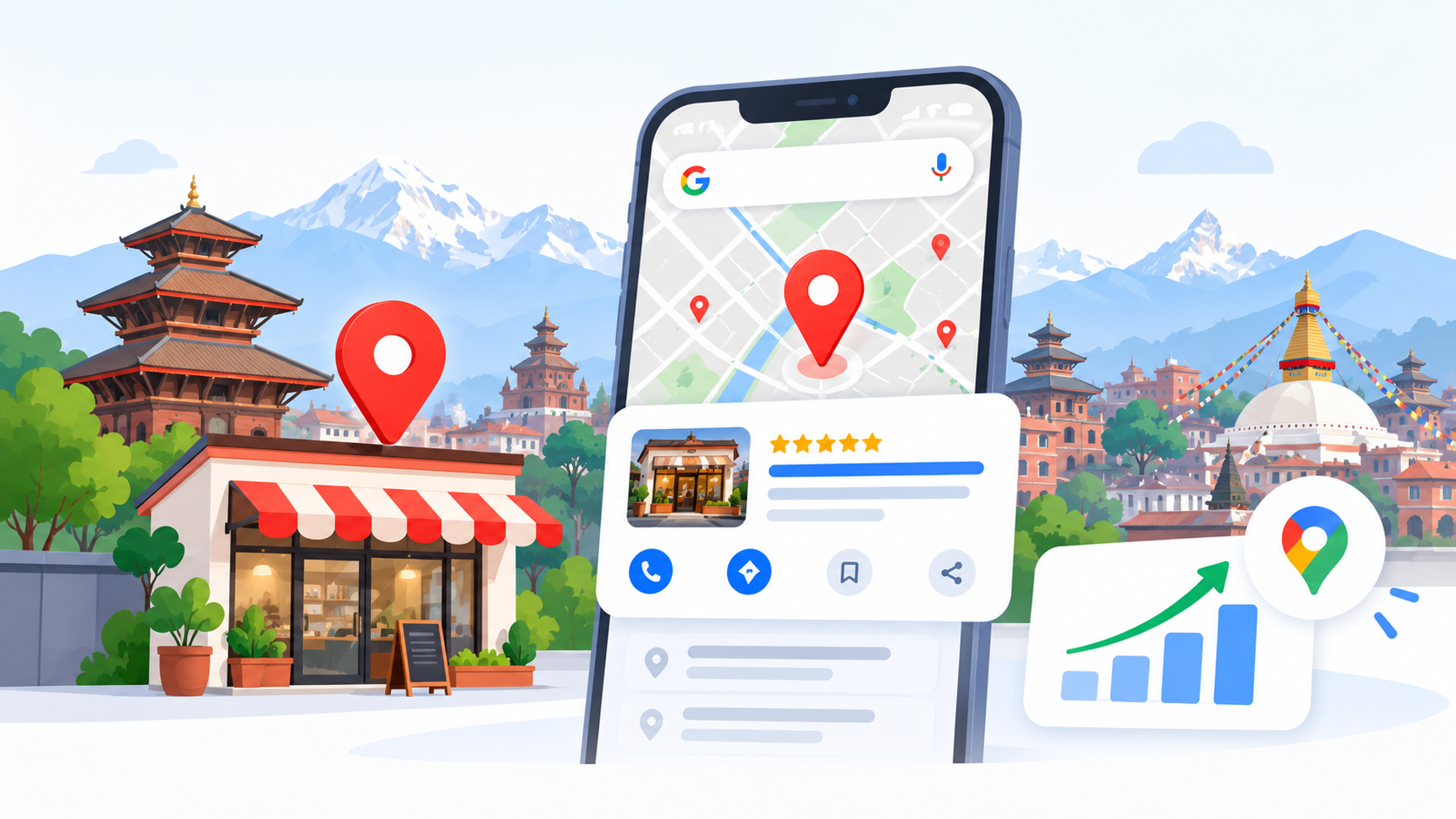
Google Maps SEO Nepal has a few twists that guides from other countries miss.
- Unclear addresses: Many lanes in Nepal have no clear street name or number. Place the pin exactly, and mention a nearby landmark, like a temple, school, or bank, in your description.
- Two languages: Customers search in English and in Nepali. Use the words they use, and keep your business name the same everywhere.
- Phone first: Many people search on mobile and call. Make sure your number works for calls and WhatsApp if you list it.
- Many branches: If you have more than one shop, each one needs its own profile, address, and phone number.
- Festival hours: Update your hours before Dashain, Tihar, and other long holidays.
To see how local SEO plays out for a service business, look at how we handled SEO for a construction company in Nepal.
Mistakes to Avoid
Shortcuts can hurt your Google Maps SEO Nepal work and even get your profile suspended.
- Adding keywords or city names to your business name.
- Using a fake address, a virtual office, or someone else’s shop.
- Creating duplicate profiles for the same place.
- Buying fake reviews or offering rewards for reviews.
- Using “map stacks” or other tricks that promise instant ranking.
- Leaving old phone numbers or hours on your profile.
If an offer sounds like a magic trick, be careful. Real progress comes from a complete profile, real reviews, and a helpful website.
How to Track Your Google Maps SEO Nepal Results
Your profile shows how many people called you, asked for directions, or visited your website. Check these numbers once a month. Look for a steady rise, not a single jump.
Keep in mind that Maps results change with where the searcher stands. You may rank first near your shop and lower a few streets away. Do not worry if a friend sees a different list. Compare the same search over several weeks instead.
How Long Does It Take?
Google Maps SEO Nepal takes time. Small fixes, such as correct hours and a better category, can help within weeks. Gains from reviews, links, and a stronger website take longer. Strong competition in a busy area, like Thamel or New Road, slows things down. Anyone who promises a top spot in a few days is guessing.
Google Maps SEO Nepal Cost: DIY or Agency?
Creating and managing a Business Profile is free. You can do the steps above yourself if you have a few hours a week. The cost comes when you want expert help.
Agency fees depend on how many locations you have, how strong your competitors are, and whether you also need website work. You can see how we package work on our SEO package page. Ask any agency to show what they will do each month and how they will report results.
Doing it yourself makes sense for a single shop with little competition. Getting help makes sense if you have many branches, a busy market, or no time.
Frequently Asked Questions About Google Maps SEO Nepal
What is Google Maps SEO?
Google Maps SEO is the work of improving your business listing so it shows higher on Google Maps and in the local results. It covers your profile, reviews, photos, and the signals on your website.
How do I rank higher on Google Maps in Nepal?
Claim and verify your profile, choose the right categories, fill in every detail, add real photos, collect honest reviews, and keep your name, address, and phone number the same everywhere. A helpful website also supports your ranking.
Is Google Business Profile free in Nepal?
Yes. Creating and managing a Google Business Profile is free. You pay only if you hire someone to help you.
How long does Google Maps SEO take?
Small fixes can help within a few weeks, but stronger results usually take a few months. The time depends on your competition, your profile, and your reviews.
How many reviews do I need to rank?
There is no fixed number. Google looks at how many reviews you have, how good they are, and how recent they are. Aim for a steady flow of real reviews instead of a quick burst.
Can I use Google Maps without a shop address?
Some service businesses can hide their address and show a service area instead. Google has rules about who qualifies, so check its guidelines before you set it up.
Why is my business not showing on Google Maps?
Common reasons are that the profile is not verified, the information is incomplete, the category is wrong, the business is new, or a closer or stronger competitor is ahead of you. A suspended profile will also not show.
Does my website matter for Google Maps ranking?
Yes. Google says your position in web results is also a factor in local ranking. A clear website with your services, address, and phone number supports your profile.
How much does Google Maps SEO Nepal cost?
Setting up your profile is free. Agency fees depend on the number of locations, the competition, and the work needed. Ask for a written plan that lists each task and how results will be reported.
Final Thoughts
Google Maps SEO Nepal is not magic. It is a set of small jobs done well and kept up: a complete profile, honest reviews, correct details, and a useful website. Start with Step 1 today, and check your numbers each month.
If you would rather have a team handle it, you can read about our local SEO service in Nepal or browse more guides on the Flowrage blog. For a deeper look at SEO tools, see our post comparing Semrush and MapHigher. Ahrefs also has a helpful Google Maps SEO guide.