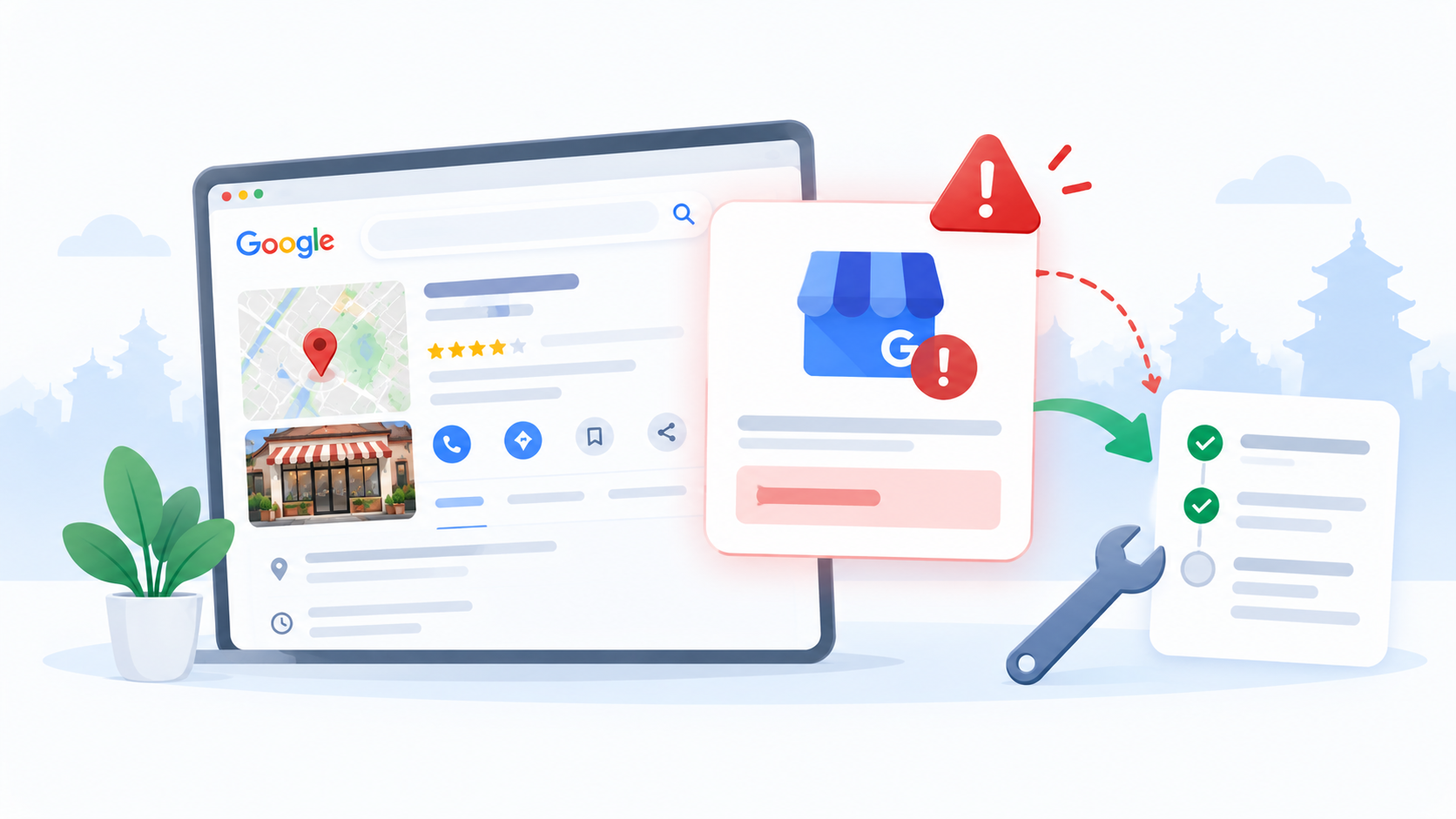
It is Monday morning. A customer calls and says, “I could not find your shop on Google.” You open your phone and see a red notice on your listing: Google Business Profile suspended.
Your stomach drops. That listing brought you calls, visits, and messages every day. Now it is gone from the map.
This guide explains what a Google Business Profile suspended notice means, why it happens, and how to fix it step by step. You will also learn how to stop it from happening again, and when it is smart to ask an SEO agency in Nepal for help.
Quick Answer: Google Business Profile Suspended
A Google Business Profile suspended by Google means it found a problem with your listing and took it down from Search and Maps until you fix it. The fix has five parts. Read the notice, find the rule you broke, correct your profile, collect proof that your business is real, and send one clear reinstatement request.
Google decides the result, and the review can take some time. No one can promise a date or a sure win, but a careful appeal gives you the best chance.
What Does Google Business Profile Suspended Mean?
Google says it may suspend or disable Business Profiles that do not follow its guidelines. You can read this on Google’s help page about fixing suspended or disabled profiles.
When you see Google Business Profile suspended on your dashboard, it usually means:
- Your listing may stop showing in Search and Maps.
- You may not be able to edit it the way you could before.
- Google believes something on the profile breaks its rules.
Google can also act on the account that manages the profile, not only on the listing. If several profiles under one login stop working at once, the problem may be with the account.
A suspended profile is not the same as these:
| What you see | What it may mean |
|---|---|
| Listing does not appear at all | It may not be verified yet, or it is new |
| Edits are “under review” | Google is checking a change you made |
| Profile is marked suspended or disabled | Google found a guideline problem |
If your listing is simply missing, check that it is verified first.
Common Reasons for a Google Business Profile Suspended Notice
Google’s guidelines for representing your business explain the rules. These are the problems we see most often.
- Extra words in the business name. Your name should match your real-world name on your signboard. Adding keywords, city names, or services, like “Best AC Repair Kathmandu 24 Hours,” can get a profile suspended.
- A wrong or fake address. Google wants your real location. P.O. boxes and mailboxes at remote places are not accepted.
- No signage at a storefront. If you show an address, you should have a permanent sign with your business name there.
- A home address on a service business. If you run a service business from home, Google says to remove the address from the profile and show a service area instead.
- A phone number the business does not control. The number should be under the direct control of the business.
- More than one profile for the same business. Google asks for one profile per business.
- A business that is not eligible. Not every type of business can have a profile. Check Google’s eligibility and ownership guidelines.
- Fake reviews or banned content. Paid, copied, or self-written reviews can lead to trouble.
Nepal-Specific Reasons Behind a Google Business Profile Suspended Notice
Some habits that are common in Nepal run into these rules.
- Home-based businesses. Many small businesses work from a flat or a house. If the address shows on the map but no customers can visit, that can cause problems.
- Shared or co-working offices. An address with no signage for your business may not pass Google’s checks.
- Keywords in the name. Adding “Best” or the city name to the business name is an old SEO habit. It is against the rules.
- Name mismatch. Your Google name, signboard, Facebook page, and registration papers should tell the same story.
- One phone for many shops. Each location should have its own number and its own profile.
- Copied listings. Creating a second profile because the first was hard to verify can lead to duplicates.
Google Business Profile Suspended: What to Do First
Take a breath. Many suspensions can be fixed. Work through these steps in order.
- Do not open a new listing. A second profile for the same business breaks another rule. Fix the first one.
- Read the message from Google. Check your email and your profile for the reason. It may not name the exact rule, but it gives you a clue.
- Read the guidelines. Go through Google’s guidelines page line by line, and compare it with your profile.
- Check your profile against the real world. Does the name match your signboard? Is the address a place customers can really find you? Is the phone number yours? Are the categories true?
- Fix every problem you find. Change the name, address, phone number, or categories so they follow the rules. Fix everything before you ask for help, not after.
- Gather proof. Collect documents and photos that show your business is real, such as:
- Your company registration certificate or PAN/VAT registration
- A business license from your municipality, if you have one
- A bill or letter showing your business name and address
- Clear photos of your signboard from outside, the entrance, and the inside of your space
- Photos of your team, tools, or products at work
- Your website and business email address
Google’s help page lists the types of evidence that can strengthen an appeal. Match your proof to the reason your profile was suspended.
How to Appeal a Google Business Profile Suspended by Google
Once your profile follows the rules and your proof is ready, you can send a reinstatement request. Google calls this an appeal.
- Open Google’s help page for suspended or disabled profiles and find the appeal tool.
- Sign in with the Google account that manages the profile.
- Pick the profile you want to appeal.
- Explain, in a few clear lines, what the problem was and what you changed.
- Upload your proof.
- Send the request once, then watch your email for replies.
- If Google asks for more information, answer quickly.
The help page also says some cases are eligible for appeal and some are not. Google may show you which one applies to your profile.
Try not to send many requests in a hurry. The hard part is the work before you hit send. Get it right the first time.
What to Write in Your Appeal
Keep it short, plain, and factual. Google does not need a long story about how long you have been in business. It needs to see what was wrong and that it is now fixed.
Here is a simple example:
Our profile name did not match our signboard because we added a city name. We have changed it to our real business name, “Sharma Dental Clinic.” We have also updated our address to match our signboard, and we have attached photos of the sign, our registration certificate and a recent bill with our address.
Change the details to match your own case. Do not copy and paste the example.
What to Do While You Wait
While your Google Business Profile suspended status is under review, keep your business running.
- Keep your website live, with your phone number, address, and opening hours easy to find.
- Use your Facebook page and WhatsApp to take calls and messages.
- Tell regular customers how to reach you.
- Do not open duplicate profiles or keep changing details.
- Do not send the same appeal again and again.
Google does not promise a fixed reply time, so plan for it to take some days or weeks.
If Your Appeal Is Denied
A denied request for a Google Business Profile suspension case is not always the end. Google says that if it denies your request, it may do an additional review if you can show more about your eligibility. You can add evidence that was not in your first appeal.
Before you try again:
- Read the reply carefully.
- Look for something you missed on the profile.
- Add stronger proof, like clearer signage photos or a document with your exact address.
- Check whether your business is eligible.
If your business does not qualify for a profile, such as a business with no real location or service area, no appeal will change that.
How to Avoid a Google Business Profile Suspended Notice Again
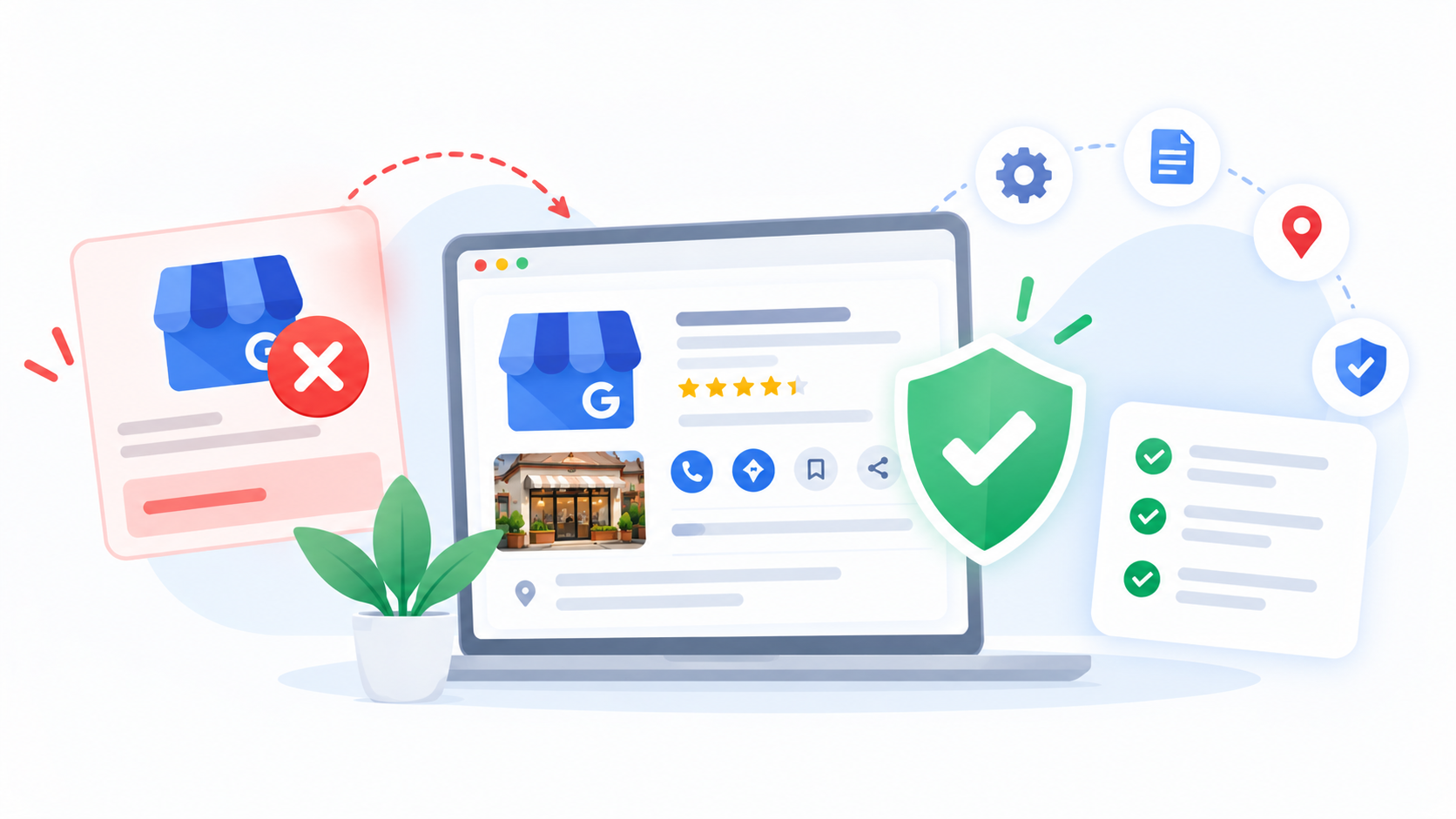
Prevention is easier than an appeal. Use this checklist.
- Use your real business name, exactly as on your signboard.
- Show only a real address where customers can find you. Hide it if you serve customers at their homes.
- Put up a permanent sign if you show a storefront address.
- Use a phone number that you control.
- Keep only one profile for each business and one per branch.
- Choose the fewest categories that describe your main business.
- Never buy, trade, or write fake reviews.
- Keep your registration papers and photos in one folder for quick use.
- Read the guidelines before changing important details.
- Limit who has access, and know who manages the profile.
If you have just started building your profile, our simple SEO guide for small businesses in Nepal shows how to set it up the right way.
Should You Hire Help With a Google Business Profile Suspended Case?
Many owners fix a suspension by themselves. You may want help if the reason is not clear, if you have several branches, or if a first appeal was denied.
A good SEO team can read the rules, find what went wrong, prepare your evidence, and clean up your profile, website, and listings. What it cannot do is control Google’s decision. Be careful with anyone who promises a 100% win or a quick fix for a Google Business Profile suspension case. Those promises are often a sign of risky tricks.
You can learn how we handle local SEO in Nepal, or see how we worked with a construction company in Nepal. For more guides, visit the Flowrage blog.
Frequently Asked Questions About Google Business Profile Suspended
Why is my Google Business Profile suspended?
Google suspends profiles that break its guidelines. Common reasons are extra words in the business name, a fake or wrong address, no signage, a phone number the business does not control, duplicate profiles, and fake reviews.
How long does it take to get a suspended profile back?
Google does not give a fixed time. Some cases are solved in days, and others take weeks. A complete appeal with clear proof gives you the best chance of a quicker answer.
Will my reviews come back after reinstatement?
Often the profile returns with its details, but Google does not promise it. Check your profile once it is live again. If something is missing, use the help options Google gives for reinstated profiles.
Can I create a new profile instead of appealing?
It is not a good idea. Google asks for one profile per business, and a duplicate can cause more problems. Fix the original profile and appeal.
Can I appeal if I run my business from home?
If your business is eligible, you may be able to appeal. For a service business that works from a home address, Google says to clear the address and show a service area.
What if my appeal is denied?
Read the reply, fix any problem you missed, and gather stronger proof. Google says it may be able to do an additional review of a denied request when you can show more about your eligibility.
Is a suspended profile the same as an unverified one?
No. An unverified profile has not proved that you own the business, so its details may not show on Google yet. A suspended profile has been stopped because of a guideline problem.
Does a Google Business Profile suspended status hurt my ranking?
While it is suspended, your listing may not show at all, so you lose that traffic. After reinstatement, it can take time for your visibility to return, and no one can promise the same position.
Can an agency fix a Google Business Profile suspended case?
An agency can help you find the cause, fix your profile, and prepare your appeal. It cannot control Google’s decision or promise a result. Be careful with anyone who guarantees success.
Final Thoughts
A suspension feels scary, but it is often a fixable problem. Find the rule you broke, correct your profile, collect real proof, and send one clear appeal. Then keep your profile honest, so it does not happen again.
If you are not sure where to start, we are happy to take a look.
Google Business Profile Suspended? Get Help From Flowrage
Flowrage is an SEO agency in Nepal. Our team helps businesses with local SEO, technical SEO, on-page SEO, content, and websites, so customers can find them on Google. We work with shops, clinics, service companies, and online businesses in Nepal and abroad.
If your Google Business Profile suspension notice has you stuck, book a free consultation. We will look at your profile, your documents, and your website, and tell you what to fix first, in plain words. You can see everything we offer on our local SEO page, or look at our SEO package.
Talk to Flowrage About Your Profile
Not sure why your profile was suspended? Let our team check it and explain your next step. No pressure, just clear answers. You can contact Flowrage online or send a message on WhatsApp.
Flowrage
Email: info@flowrage.com
Phone / WhatsApp: +977 9708052941
Website: flowrage.com
This post is general information. Google can change its rules and decides every appeal. No one can promise reinstatement, and results are different for every business.