
You send your client a report. It has twelve charts, forty numbers, and a lot of short words in capital letters. The client opens it, scrolls for three seconds, and closes it. Then the next call starts with, “So, what did you actually do this month?”
Sound familiar? It happens to most agencies and freelancers. The work was good. The report just did not show it.
This guide is about SEO reporting for clients, and how to do it in a way that makes sense to normal people. We will cover what to include, which numbers matter, how often to send reports, and how to explain a bad month. We will keep it simple. If you want a wider look at how SEO works in Nepal, start with our post on SEO services in Nepal and how to get found on Google.
What Is SEO Reporting for Clients?
SEO reporting for clients is a regular update that shows how a website is doing in search, and what you did to help. It answers three plain questions:
- What happened?
- Why did it happen?
- What will we do next?
That is all. A report is not a pile of data. It is a story told with numbers.
Think of it like a doctor’s visit. The doctor does not just hand you a sheet full of test results. They tell you, “Your sugar is better, your weight is the same, and here is what we do next.” Your client wants that same kind of talk.
Why Good Reporting Matters
SEO is slow. Results can take three to six months to show. During that time, your client cannot see much on their own. They only see what you show them.
Good SEO reporting for clients does a few big things:
- It builds trust, because the client sees real work.
- It keeps clients longer, because they understand the value.
- It stops small worries from becoming big fights.
- It helps you spot what works, so you can do more of it.
- It makes renewals and price talks much easier.
A client who understands the report is a client who stays.
Know Who Is Reading Your Report
Before you pick any numbers, ask: who will read this?
A shop owner in Kathmandu may only care about one thing: “Are more people calling me?” A marketing manager at a bigger company may want to see rankings, traffic, and leads. A boss who never reads the details may only want a one-page summary.
Ask your client at the start:
- What does success look like to you? More calls, more orders, more form fills?
- Who will read this report?
- How do you like to get updates, by email, a call, or a message?
Write their answers down. Build your report around them, not around what is easy for you to pull.
The Numbers to Include in SEO Reporting for Clients
You can track hundreds of numbers. Please do not put them all in. Pick five to seven that matter to this client. Here are the groups that most reports need.
Organic Traffic
This is how many people came to the site from Google and other search engines, without clicking an ad. It is the base number for most SEO reports. Show the change from last month, and from the same month last year.
Google Analytics shows this. You can learn more about it on the Google Analytics page.
Keyword Rankings
Show where the site sits in Google for the words that matter. Do not list five hundred keywords. Pick the top ten to twenty, the ones tied to money, and show how they moved.
Google Search Console is the free place to see this. It shows the words people used, the number of times your pages appeared, and the number of clicks.
Leads and Sales
This is the part clients care about most. How many calls, form fills, messages, or orders came from search? Set up goal tracking so you can show it. If you cannot show leads, the client will always wonder if SEO is worth it.
Local Numbers
For shops and clinics, local numbers matter a lot. Look at calls from the Google Business Profile, requests for directions, and website clicks. Also note reviews: how many new ones, and what the average rating is.
Site Health
Show a few simple checks, like page speed, broken pages, and mobile problems. Tools like PageSpeed Insights give you a score you can share. If you want to go deeper, Google explains the main speed and use signals on its Core Web Vitals page.
Links and Authority
If you are building links, show how many new good ones you got this month. Keep it short. Quality matters more than the count.
Money Numbers vs Show-Off Numbers
Some numbers look great but mean little. These are sometimes called vanity numbers. For example, a site might get a lot more visitors who never buy anything.
Here is a quick way to think about it:
| Money numbers (lead with these) | Show-off numbers (keep small) |
|---|---|
| Calls and form fills | Total page views |
| Orders or bookings | Social media likes |
| Traffic to key service pages | Raw number of keywords tracked |
| Local calls and direction requests | Impressions with no clicks |
Show-off numbers are fine as extra info. Just do not build the whole report on them.
A Simple Layout for Your Monthly Report
You do not need a fancy design. You need a clear order. Here is a layout that works well for most clients.
| Part | What goes in it | How long |
|---|---|---|
| 1. Summary | Three or four plain sentences about the month | Top of page one |
| 2. Key numbers | Traffic, leads, top rankings, with change from last month | Half a page |
| 3. What we did | Short list of work done this month | Half a page |
| 4. What it means | Why numbers moved, in plain words | A few lines |
| 5. Next steps | What we plan for next month | A short list |
| 6. Notes or asks | Anything we need from the client | One or two lines |
Put the summary first. Many clients will read only that part. Make it good.
A Sample Summary
Here is the type of summary that works. It is a made-up example for a cafe.
This month, more people found your cafe on Google. Visits from search went up by 18 percent. Calls from your Google profile went up from 22 to 31. We fixed three slow pages and wrote two new blog posts. Next month, we will add photos to your menu pages and ask more guests for reviews.
See how short that is? No hard words. The client knows what happened and what comes next.
Tools for SEO Reporting for Clients
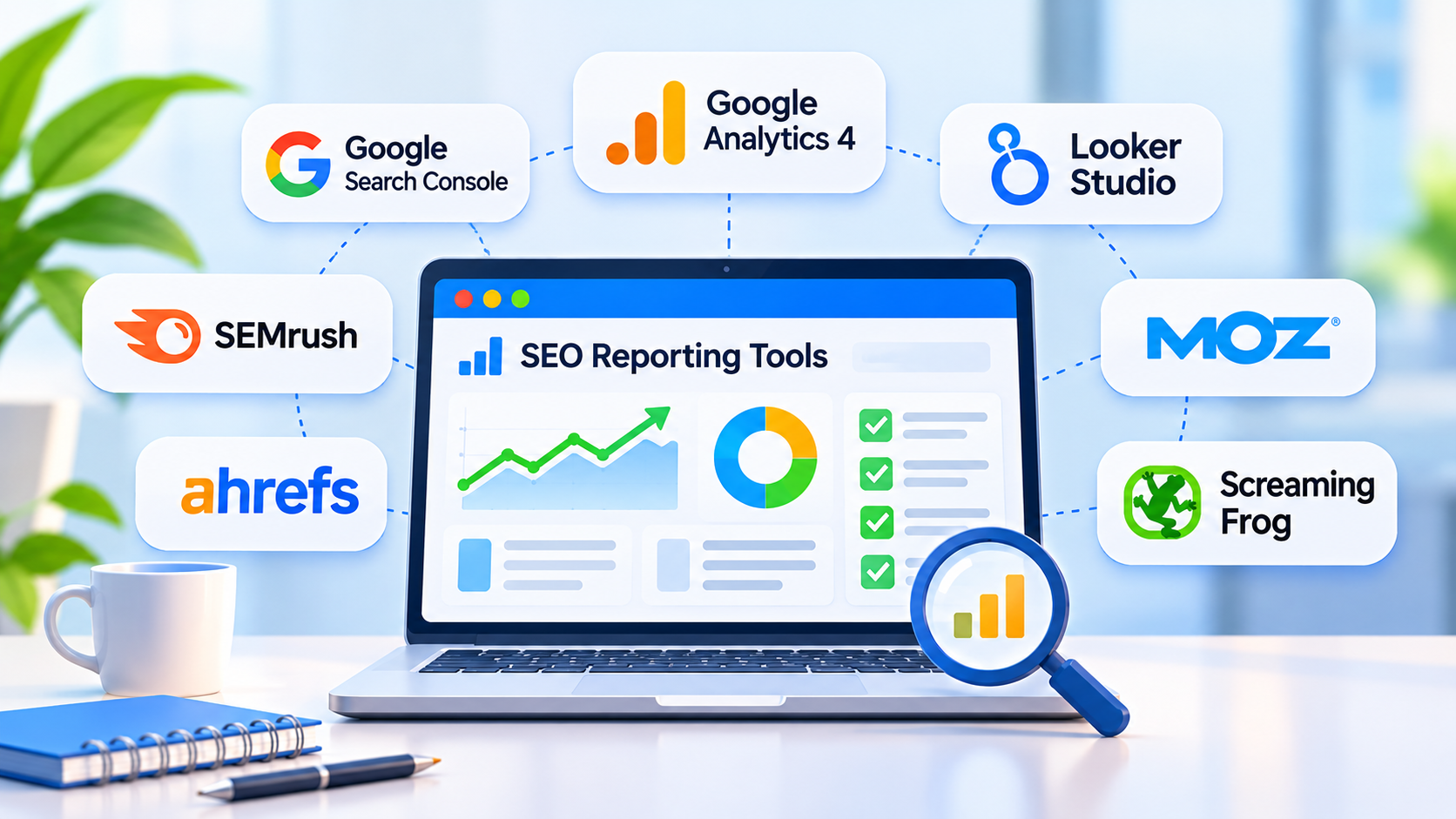
You do not need to spend a lot. Many agencies start with free tools.
- Google Analytics: Shows visits, where people came from, and what they did.
- Google Search Console: Shows search words, clicks, and page issues.
- Google Business Profile: Shows calls, directions, and reviews for local businesses.
- PageSpeed Insights: Shows how fast pages load.
- Looker Studio: A free tool that pulls your data into one clear dashboard.
Paid SEO tools can add rank tracking, link data, and site audits. They are helpful, but you do not need them on day one.
Whatever tools you use, keep the final report simple. The tools collect the data. You tell the story.
How to Build the Report, Step by Step
Here is how we suggest you set up SEO reporting for clients, from the very first month.
Step 1: Record Where You Start
Before you do any work, write down the starting numbers. Traffic, rankings, leads, calls. This is your “before.” Without it, you cannot show progress later.
Step 2: Agree on Goals
Ask the client what they want. Write two or three simple goals, such as “get 30 more calls a month from Google.” Put the goals at the top of every report.
Step 3: Connect Your Data
Link Google Analytics, Search Console, and your Business Profile to one dashboard in Looker Studio. Set it up once. Then it updates by itself.
Step 4: Build a Template
Make one report layout and use it for every month. The client will learn where to look. And you will save hours.
Step 5: Compare, Do Not Just Count
A number alone means little. “1,200 visits” tells us nothing. “1,200 visits, up from 950 last month, and up from 700 a year ago” tells a story. Always compare to last month and to the same month last year.
Step 6: Write the Summary Last
Once you have the numbers and the work list, write the plain-word summary. Do it at the end, when you know the story.
Step 7: Add Next Steps
End with what you will do next. This shows you have a plan and are not just reacting.
Step 8: Talk, Do Not Just Send
For important clients, send the report and also offer a short call. Ten minutes is often enough. Many questions disappear when people can talk.
How Often Should You Send Reports?
There is no single answer, but this works for most people:
- Monthly: The main report. Most clients are happy with this.
- Weekly quick note: Only for big projects or the first few months. Keep it to two or three lines.
- Quarterly review: A bigger look at the trend, with goals for the next three months.
Do not send reports too often. Search results move slowly. Sending a big report every week can look like you are nervous or padding the work.
How to Explain a Bad Month
Every SEO person has a bad month. Traffic dips. A page drops. A competitor moves up. What matters is how you tell the client.
Do this:
- Say it first. Do not bury bad news on page six.
- Give the reason, if you know it. Maybe a festival like Dashain or Tihar changed how people search and buy. Maybe Google updated how it ranks. Maybe a page broke.
- Say what you are doing about it. A plan matters more than an excuse.
- Show the longer trend. One bad month inside a good six months is a small bump.
If you do not know the reason, say so, and say how you will find out. Clients can handle honest uncertainty. They cannot handle surprises they find on their own.
Mistakes in SEO Reporting for Clients
These are the mistakes we see most often:
- Sending too much data with no summary
- Using short words and jargon the client does not know
- Showing rankings but no leads or sales
- Changing the report layout every month
- Hiding bad numbers
- Giving numbers with no “so what?”
- Sending the report late
- Forgetting to show the work you did
- Never asking the client what they want to see
Fix these, and your reports will already beat most of what clients get.
Tips to Make Reports Feel Human
A few small habits make a big difference.
- Write as you talk. If you would not say a word out loud, do not put it in the report.
- Explain any short word once. If you must use a term like “backlink,” add a few words to explain it.
- Use simple charts. A line that goes up is easier to read than a busy graph.
- Use screenshots. Show the new page you built, or the new review you earned.
- Say thank you. If the client sent photos or answered fast, mention it.
- Celebrate wins. A new first-page ranking is worth a line.
Good SEO reporting for clients feels like a chat with a friend who knows the subject, not a lecture.
Do You Need Different Reports for Different Clients?

Yes. A local clinic, an online shop, and a hotel all care about different things.
- Local shop or clinic: Calls, directions, reviews, and local rankings.
- Online store: Orders, revenue from search, and top product pages.
- Service company: Form fills, calls, and traffic to service pages.
- Blog or media site: Traffic, top posts, and sign-ups.
Keep one base layout, then swap the key numbers to fit each client.
Frequently Asked Questions
What is SEO reporting for clients?
It is a regular update that shows how a client’s website is doing in search and what work you did. It covers what happened, why, and what comes next.
What should an SEO report include?
A summary, a few key numbers like traffic, rankings, and leads, a list of work done, what the results mean, and next steps.
How long should an SEO report be?
For most small clients, two to four pages is plenty. Put a one-paragraph summary at the top. Add extra data in a back section for people who want it.
How often should I send SEO reports?
Monthly works for most clients. Add a short weekly note in the first few months or on big projects, and a deeper review each quarter.
Which SEO numbers matter most to clients?
Leads, calls, orders, and traffic to key pages matter most. Rankings and site health help explain why those numbers moved.
Can I automate SEO reporting for clients?
Yes, partly. Tools like Looker Studio can pull data in by themselves. But always add your own summary and next steps. The human part is what clients value.
What free tools can I use for SEO reports?
Google Analytics, Google Search Console, Google Business Profile, PageSpeed Insights, and Looker Studio are all free and cover the basics.
How do I show SEO results when it is still early?
Show the work done, the small wins, and the trend. For example, more pages in Google, better speed, or rising impressions. Remind the client that SEO often takes three to six months to show big results.
What if the client does not read the report?
Shorten it. Put the summary first. Offer a ten-minute call. And ask what they would like to see. Often the report is too long or has the wrong numbers.
How do I explain SEO reports to a client who knows nothing about SEO?
Use plain words and simple comparisons. Point to the money numbers first, like calls and sales. Explain each short word once, and skip the rest.
Should I include competitor data?
A little can help, like showing which rival ranks above the client for keywords. But keep the focus on the client’s own progress.
What is a good SEO report template?
Use six parts: a summary, key numbers, work done, what it means, next steps, and notes. Reuse the same layout every month.
Final Thoughts
Good SEO reporting for clients is not about bigger charts or more numbers. It is about being clear. Show what matters, explain it in plain words, and say what happens next.
Start with a simple template. Add one or two money numbers. Write a summary that a busy owner can read in a minute. Do that every month, and your clients will see the value of your work.
Need help with SEO for your own business, or want a team to handle the work and the reports for you? The team at Flowrage is here to help. You can also read our guide to SEO services in Nepal to learn what good SEO looks like from the start.