You built a website. People are visiting it. Or at least, you hope they are. But how many? Where do they come from? What do they click? And do any of them turn into customers?
If you cannot answer those questions, you are running a shop with the lights off. You can feel people moving around, but you cannot see them.
That is what website traffic analytics fixes. It turns on the lights. In this guide, we will explain it in plain words. You will learn what to track, how to set it up for free, how to read the reports, and how to use the numbers to grow. If you also want to learn how people find businesses on Google in Nepal, read our post on SEO services in Nepal and how to get found on Google.
What Is Website Traffic Analytics?
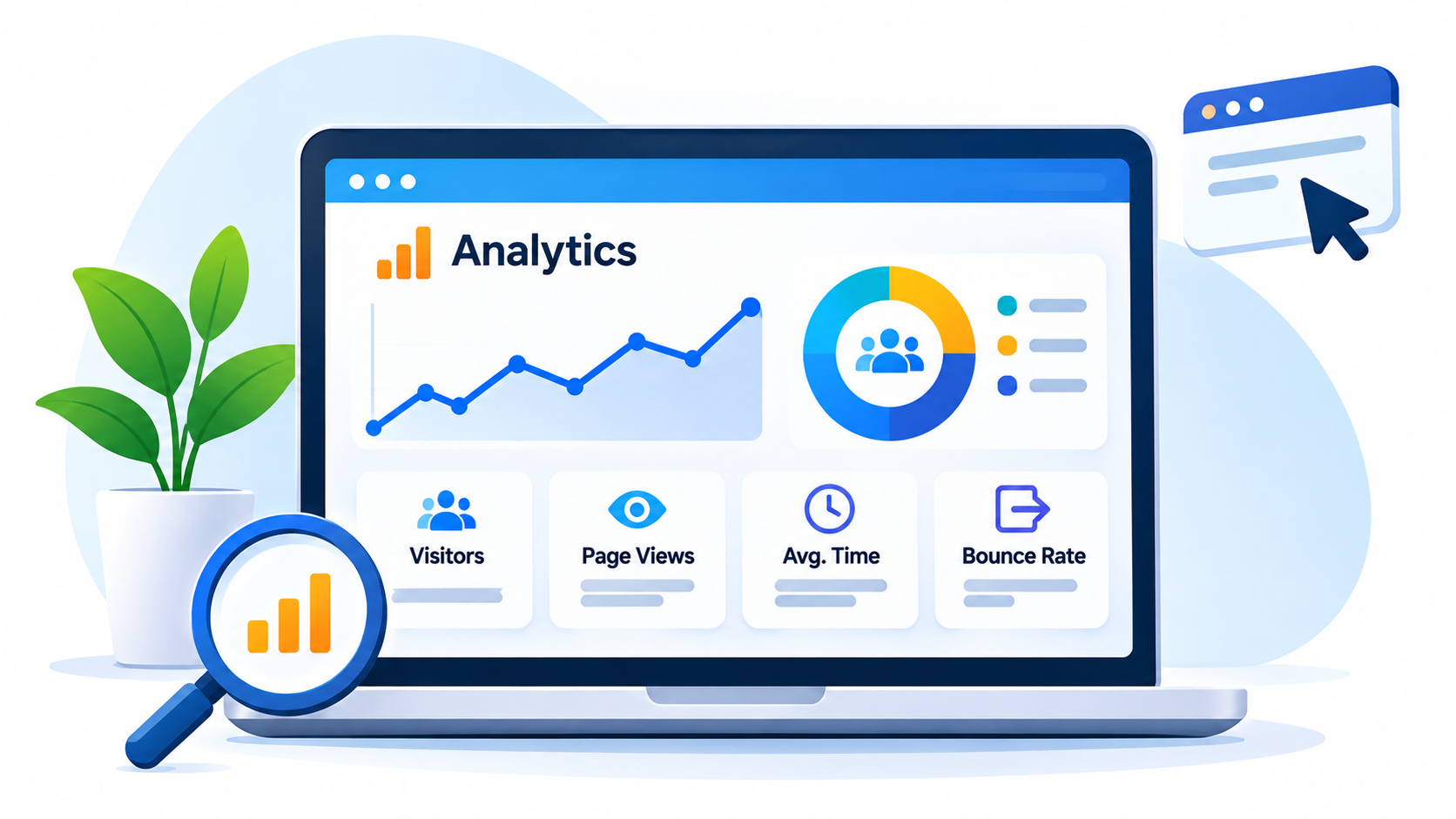
Website traffic analytics means collecting and reading data about the people who visit your website. It tells you who came, how they found you, what they did, and when they left.
Think of a shop door with a counter. Every time someone walks in, the counter clicks. Now imagine the counter also tells you which street they came from, which shelf they looked at, and whether they bought anything. That is website traffic analytics, but for your website.
What Does “Traffic” Mean?
Traffic is just the visits to your site. Each time a person opens a page, that counts toward your traffic. More traffic is good, but only if it is the right kind of traffic. Ten people who want to buy are better than a thousand who do not care.
Why Website Traffic Analytics Matters
Many small businesses build a site and never look at the numbers. That is a missed chance. Here is what good analytics gives you:
- You see which pages people like and which ones they skip.
- You learn where your visitors come from, so you can spend time and money in the right place.
- You find problems, like a page that loads slowly or a button nobody clicks.
- You can prove that your marketing works, or find out that it does not.
- You make choices based on facts, not guesses.
For a small shop or clinic in Nepal, this can mean the difference between wasting a month on a post nobody reads and doubling down on a page that brings in calls.
Key Terms in Plain Words
Analytics tools use a lot of words that sound hard. They are not. Here are the main ones.
| Term | What it means | Simple example |
|---|---|---|
| Users | The number of different people who visited | 500 people came this month |
| Sessions | The number of visits (one person can visit many times) | Those 500 people made 700 visits |
| Page views | How many times pages were opened | Visitors opened 2,100 pages in total |
| Engagement rate | The share of visits where people stayed, clicked, or took action | 62 out of 100 visits were engaged |
| Traffic source | Where the visitor came from | Google, Facebook, or typing your link |
| Key event | An action you care about, also called a conversion | A call, click, or a form sent |
You do not need to learn every word on day one. Start with users, sessions, traffic source, and key events.
Where Does Your Traffic Come From?
One of the best things about website traffic analytics is that it sorts your visitors by how they found you. These groups are called channels.
Organic Search
People who found you by searching on Google or another search engine and clicked a normal result. This is the traffic SEO builds. It is slow to grow, but it lasts.
Direct
People who typed your web address, used a bookmark, or came from a place the tool could not track. A lot of direct traffic can mean people already know your brand.
Referral
People who clicked a link on another website, like a news site, a blog, or a directory.
Social
People who came from Facebook, Instagram, LinkedIn, YouTube, and other social sites. In Nepal, Facebook is often a big part of this.
Paid
People who clicked an ad you paid for. When you stop paying, this traffic stops.
People who clicked a link in an email you sent.
Knowing your mix helps you decide where to spend. If most of your sales come from organic search, it makes sense to invest in your content and your Google Business Profile.
How to Set Up Website Traffic Analytics, Step by Step
The most common free tool is Google Analytics. You can read about it on the Google Analytics page. Here is how to set it up.
Step 1: Make a Free Account
Sign in with a Google account. Create an “account” for your business and a “property” for your website.
Step 2: Add the Tracking Code
Google gives you a small piece of code, called a tag. Add it to every page of your site. If you use WordPress, Wix, or Shopify, there is usually a simple box where you paste it. If you are not sure, ask your web person. It takes a few minutes.
Step 3: Check That It Works
Open your own website in another tab. Then look at the real-time report in Google Analytics. You should see yourself as one active visitor. If you do, it works.
Step 4: Connect Google Search Console
Google Search Console is another free tool. It shows the words people typed into Google before they found you. Linking it to Analytics puts search data and visit data in one place.
Step 5: Set Up Your Key Events
Tell the tool what actions matter. For a shop, it might be clicks on the phone number, a message sent, or a map request. For an online store, it might be a completed order. Without this step, you will see visits but not results.
Step 6: Leave Out Your Own Visits
You and your team open the site often. Those visits can mess up the numbers. Set a filter so your own visits do not count. Google’s help pages explain how.
Give it a day or two. Then your reports will begin to fill up.
The Reports to Look At First
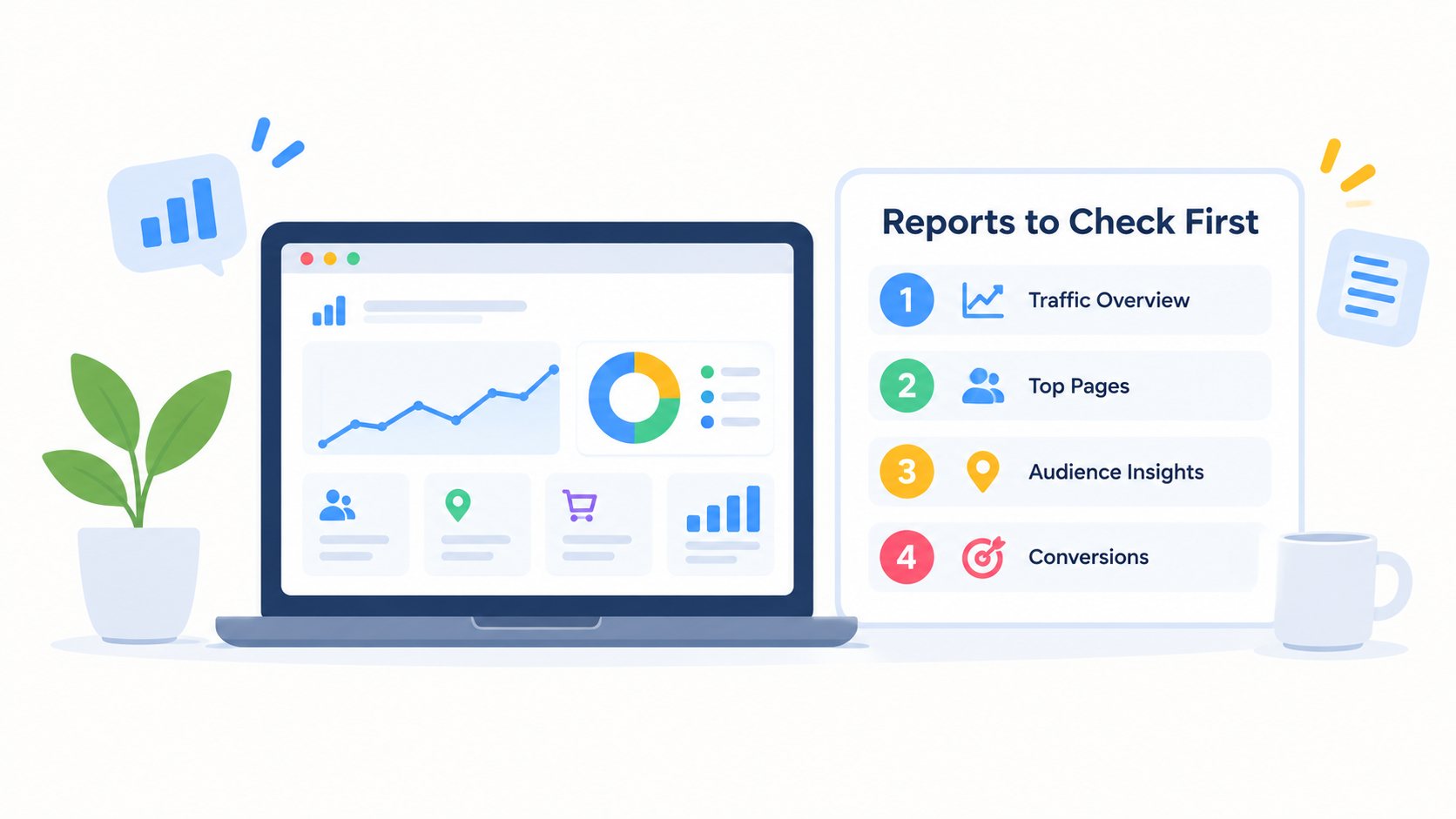
The tool has many reports. Do not try to read them all. Start with these.
Traffic Acquisition
This shows where your visitors came from. Look at which channels bring the most visits and which bring the most key events. They are not always the same.
Pages
This shows which pages get the most views. Your top pages tell you what people care about. If your price page is a top page, people are close to buying.
Location
This shows the cities and countries your visitors come from. A shop in Lalitpur should see mostly local visitors. If you see most visits from far away, your content may be reaching the wrong crowd.
Devices
This shows whether people use phones, computers, or tablets. In Nepal, most visits often come from phones, so your site must work well on a small screen.
Real-Time
This shows who is on your site right now. It is great for testing a new post or checking a campaign the moment you send it.
How to Read the Numbers
Numbers on their own mean little. Here are some simple habits for reading them.
- Compare. Look at this month against last month, and against the same month last year. Festivals like Dashain and Tihar change how people browse, so a year-over-year check is fairer.
- Look for trends. One bad day is noise. A slow drop for six weeks is a real signal.
- Split by source. Total traffic can hide the story. Maybe search traffic is up while social is down.
- Check quality, not just size. Ask how many visitors took an action, not just how many came.
- Ask “why?” If a page jumped, find out what changed. Did you share it? Did another site link to it?
Questions Your Data Can Answer
Good website traffic analytics should help you answer real questions.
| Your question | Where to look |
|---|---|
| Is my SEO working? | Organic search visits over time |
| Which blog posts are worth writing more of? | Top pages and their key events |
| Are people using their phones? | Device report |
| Is my Facebook page sending visitors? | Traffic sources, social channel |
| Which page do people leave from? | Pages report, engagement |
| What words do people use to find me? | Search Console queries |
| Are my ads worth the money? | Paid channel, key events |
Using Website Traffic Analytics to Grow Your SEO
Analytics is not just for looking back. You can use it to plan what to do next.
- Find pages that almost work. In Search Console, look for pages that show up a lot in Google but get few clicks. Improve their titles and descriptions.
- Double down on winners. If one blog post brings steady visitors, write more on the same topic and link between them.
- Fix pages with low engagement. If people leave right away, the page may be slow, confusing, or not what the search promised.
- Spot new keywords. The search words in Search Console often show topics you did not plan for. Write about them.
- Check mobile pages. If phone visitors leave fast, test your page speed with PageSpeed Insights.
This is also why website traffic analytics sits at the heart of good SEO reporting. Without it, you are guessing.
Free Tools vs Paid Tools
You do not need to spend money to start. Here is a simple view.
- Google Analytics: Free and the most used. Good for most small businesses.
- Google Search Console: Free. Shows search words and page problems.
- Looker Studio: Free. Turns your data into clean, easy dashboards.
- Privacy-focused tools: Options like Matomo and Plausible are lighter and focus on visitor privacy. Some are paid.
- Paid SEO suites: Bigger tools add competitor data, rank tracking, and site audits. They help later, once you outgrow the free ones.
Start free. Move up only when you have a clear reason.
Common Mistakes With Website Traffic Analytics
Watch out for these:
- Setting up the tool and never looking at it
- Looking at visits but not key events
- Counting your own visits
- Checking the numbers every hour and panicking over small changes
- Comparing a festival week to a normal week
- Forgetting to track calls, forms, or orders
- Using too many reports and getting lost
- Never writing down what you learned or changed
How Often Should You Check?
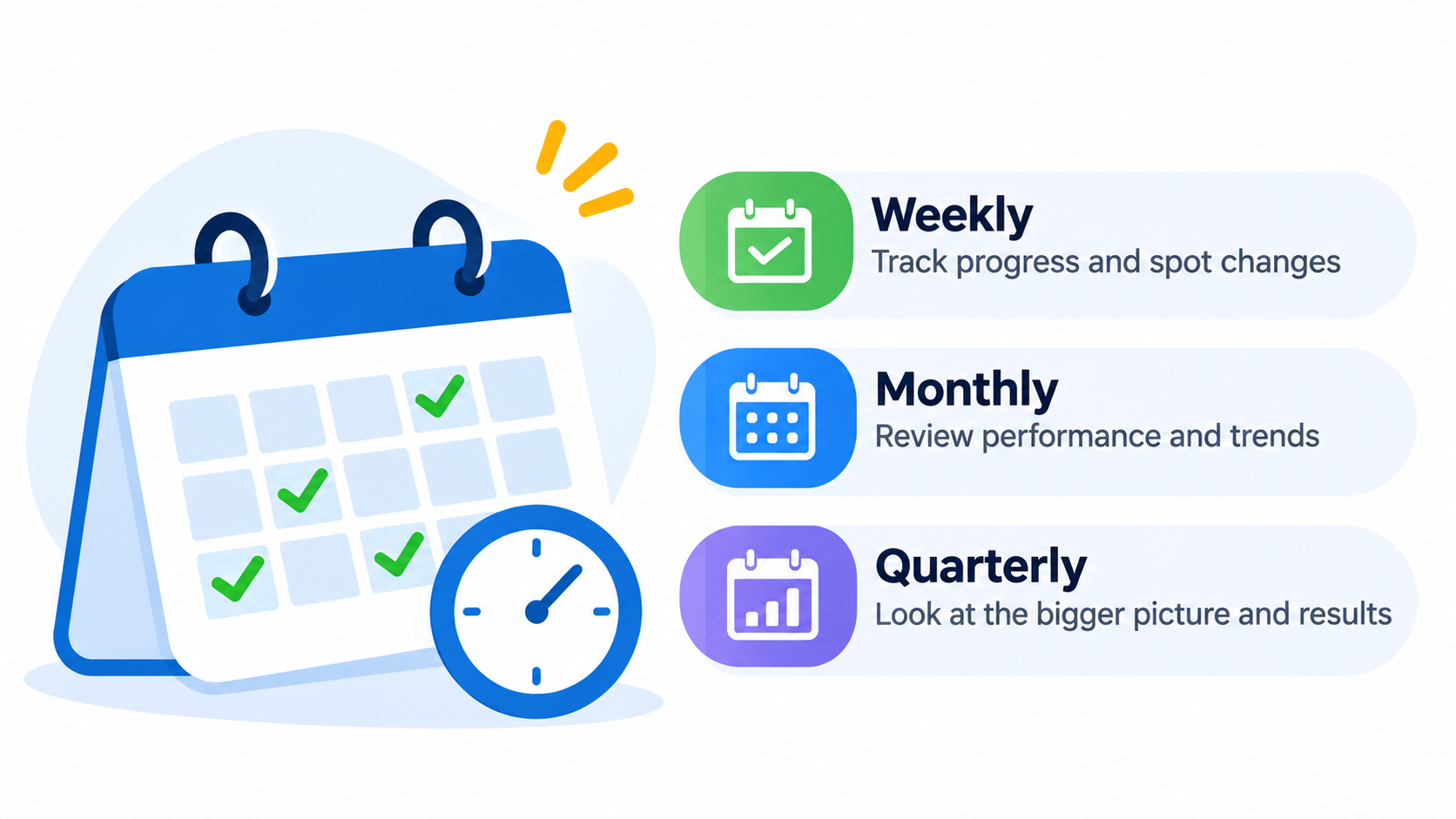
You do not need to look every day. A simple plan works well:
- Weekly: A quick look at visits, top pages, and any big jumps or drops.
- Monthly: A fuller review of sources, key events, and your top pages. Write down three things you learned.
- Quarterly: A bigger look at trends, and a plan for the next three months.
A Quick Note on Privacy
Analytics collects data about visitors. Be honest about it. Add a short privacy page to your site that explains what you track and why. If your visitors come from countries with strict rules, such as parts of Europe, check what consent rules apply to you. When in doubt, ask a professional.
Frequently Asked Questions
What is website traffic analytics?
It is the process of collecting and studying data about visitors to your website. It shows how many people come, where they come from, what they do, and which actions they take.
What is the best tool for website traffic analytics?
For most small businesses, Google Analytics paired with Google Search Console is the best place to start. Both are free and cover the basics well.
Is website traffic analytics free?
Yes, you can do all the basics for free with Google tools. Paid tools add extra features, but you do not need them at the start.
What numbers matter most?
Start with users, sessions, traffic sources, top pages, and key events. Key events, such as calls and forms, show whether your traffic turns into business.
How long does it take for data to show up?
Real-time data appears within minutes. Most other reports fill in after a day or two.
Why is my traffic low?
Common reasons are a new site, few pages, slow loading, or weak SEO. Check your sources and top pages to see what is happening, then work on one problem at a time.
What is a good engagement rate?
There is no single answer, because it differs by site type and by page. A better question is whether your engagement is rising over time, and whether visitors take key actions.
Can I see who visited my site by name?
No. Standard tools show groups and numbers, not names. This protects visitor privacy.
What is the difference between users and sessions?
Users count people. Sessions count visits. One user who comes back three times counts as one user and three sessions.
How do I know if my SEO is working?
Look at organic search visits over several months, and at the search words in Search Console. If both are rising, and key events rise too, your SEO is helping.
Do I need to know how to code?
Not much. You mostly paste a tag once. After that, you just read reports. A web person can help with setup if you get stuck.
Should I track my competitors?
You cannot see their private analytics. Paid SEO tools can give rough estimates, but focus first on your own numbers.
Final Thoughts
Website traffic analytics is not about charts. It is about knowing your visitors. When you know who comes, how they find you, and what they do, every choice gets easier.
Start small. Set up Google Analytics and Search Console this week. Add two or three key events. Then check the numbers once a week and write down one thing you learned.
Want help setting up analytics, or turning your numbers into a plan that brings more customers? The team at Flowrage is happy to help. You can also begin with our guide to SEO services in Nepal.