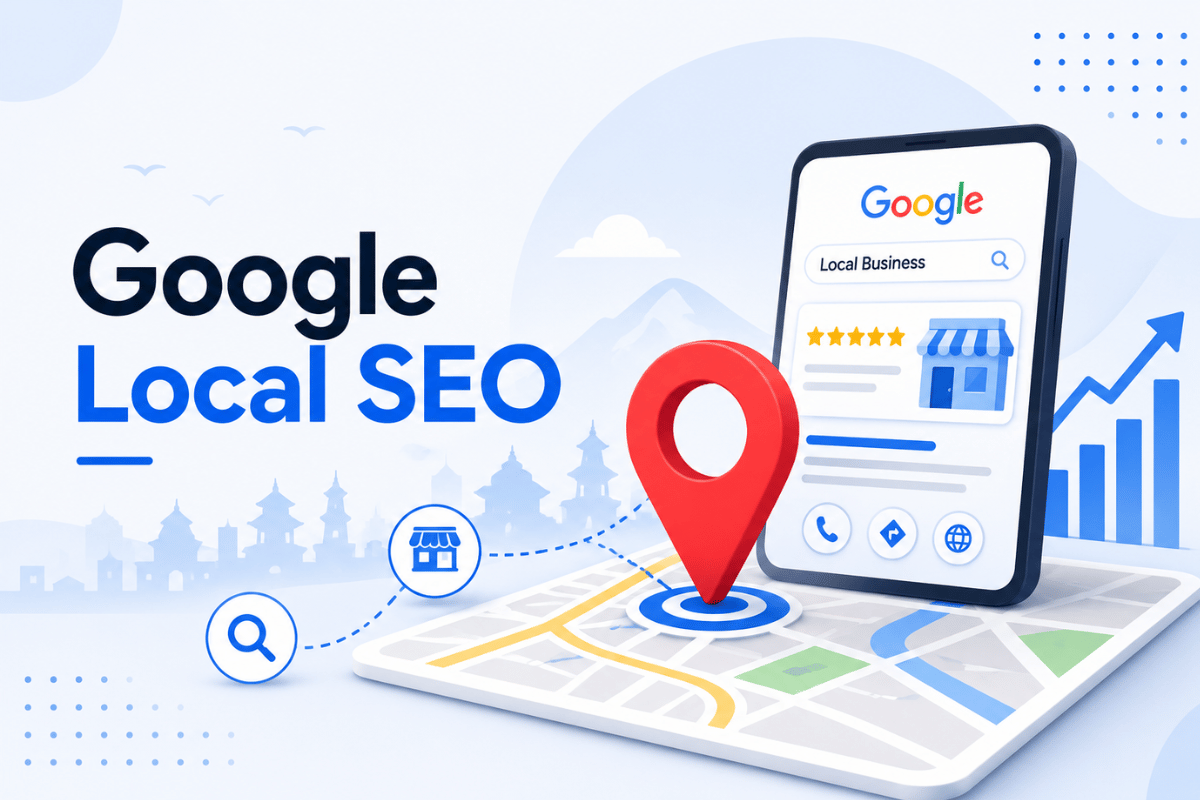
Google Local SEO Software helps businesses appear higher in Google Search and Google Maps. It makes it easier to track local keyword rankings, manage your Google Business Profile, collect customer reviews, and keep your business information the same across the web. This guide focuses on how the right tool helps businesses stay organized and improve local visibility, whether you own one local business or many locations.
With so many local SEO tools available, choosing the best one can be confusing. Each tool offers different features, prices, and benefits, so the best choice depends on what a business needs most.
In this guide, you’ll learn what Google Local SEO Software is, how it works, its main features, pricing, and how to choose the best tool for your business. You’ll also discover simple tips to improve your local search rankings, increase your Google Maps visibility, and attract more local customers.
What Is Google Local SEO Software and How Does It Work?

Google Local SEO Software helps businesses track, manage, and improve their visibility in Google Search and Google Maps.
Many people wonder what Google Local SEO software actually does. In simple terms, it brings together important local SEO data, such as keyword rankings, Google Business Profile performance, customer reviews, business listings, and website health, into one dashboard. This saves time because you don’t have to check several different tools.
Good local SEO software helps businesses keep their information accurate and up to date. It also helps you find problems, track your progress, and make better decisions to improve your local SEO .For a deeper look at how this fits into a full strategy, see our
local SEO services in Nepal page.
Our Experience with Google Local SEO Software
From our experience, tracking keyword rankings is only one part of local SEO. Businesses that keep their Google Business Profile updated, respond to customer reviews, and ensure their business information is consistent across the web often have a stronger local online presence. Google Local SEO software makes these tasks easier by showing important information in one place and helping businesses spot issues more quickly.
How Google Local SEO Software Supports Local Rankings
Google looks at many factors when ranking local businesses, including relevance, distance, and prominence.
Google Local SEO software does not directly improve rankings. Instead, it helps businesses monitor key local SEO factors, including Google Business Profile information
, , customer reviews, and business listings. By finding problems early and making improvements, businesses can build a stronger local SEO strategy over time.
Local SEO Software vs Manual Local SEO Management
Businesses can manage local SEO without software, but it becomes harder as they add more locations, keywords, and customer reviews.
Google Local SEO software automates tasks like tracking rankings, checking business listings, and monitoring reviews. This saves time and helps businesses find problems faster.
Manual local SEO can work well for a small business with one location. As a business grows, local SEO software makes it easier to manage everything in one place.
Many businesses use both. They use software to track data and handle routine tasks, while people focus on planning, creating content, and improving their SEO strategy . The same approach we take with our
on-page SEO services works.
Why Is Google Local SEO Software Important for Businesses?
Businesses need to be easy to find in Google Search and Google Maps. Google Local SEO software helps you track your local search performance, find problems, and improve your online visibility over time.
The main benefits of Google Local SEO software include:
- Tracking local keyword rankings automatically
- Managing your Google Business Profile more easily
- Monitoring customer reviews and online reputation
- Keeping business information consistent across the web
- Measuring local SEO performance with clear reports
Track Local Keyword Rankings Automatically
Checking rankings by hand for many keywords and locations takes a long time. Local SEO software checks rankings automatically and shows changes over time.
This helps a business see which keywords are improving and which need more work, without manual searching every day.
Manage Google Business Profile More Easily
A Google Business Profile needs regular updates: hours, photos, posts, questions, and services. Local SEO software can flag missing information and alert a business when something needs attention.
Keeping your Google Business Profile complete and up to date helps customers find accurate information and supports your local SEO efforts.
Monitor and Respond to Reviews
Reviews affect both customer trust and local ranking signals. Local SEO software can collect reviews from multiple platforms in one place and alert a business to new reviews that need a reply. This helps a business respond faster and keep track of its overall reputation across locations.
In our experience, businesses that reply to customer reviews consistently build stronger trust with both customers and search engines. Even a simple, helpful response shows that a business values customer feedback and keeps its Google Business Profile active.
Check Business Listing Accuracy Across the Web
A business name, address, and phone number should match across the website, Google Business Profile, and other directories. Local SEO software can scan listings and flag mismatches or duplicate profiles.
Keeping your business information the same across the web makes it easier for customers to find the right details and supports your
local SEO Services.Measure Results with Clear Reporting
Local SEO software can combine ranking data, traffic, reviews, and profile activity into one report. This makes it easier to see what is working and share progress with your team or clients.
What Features Are Included in Local SEO Software?
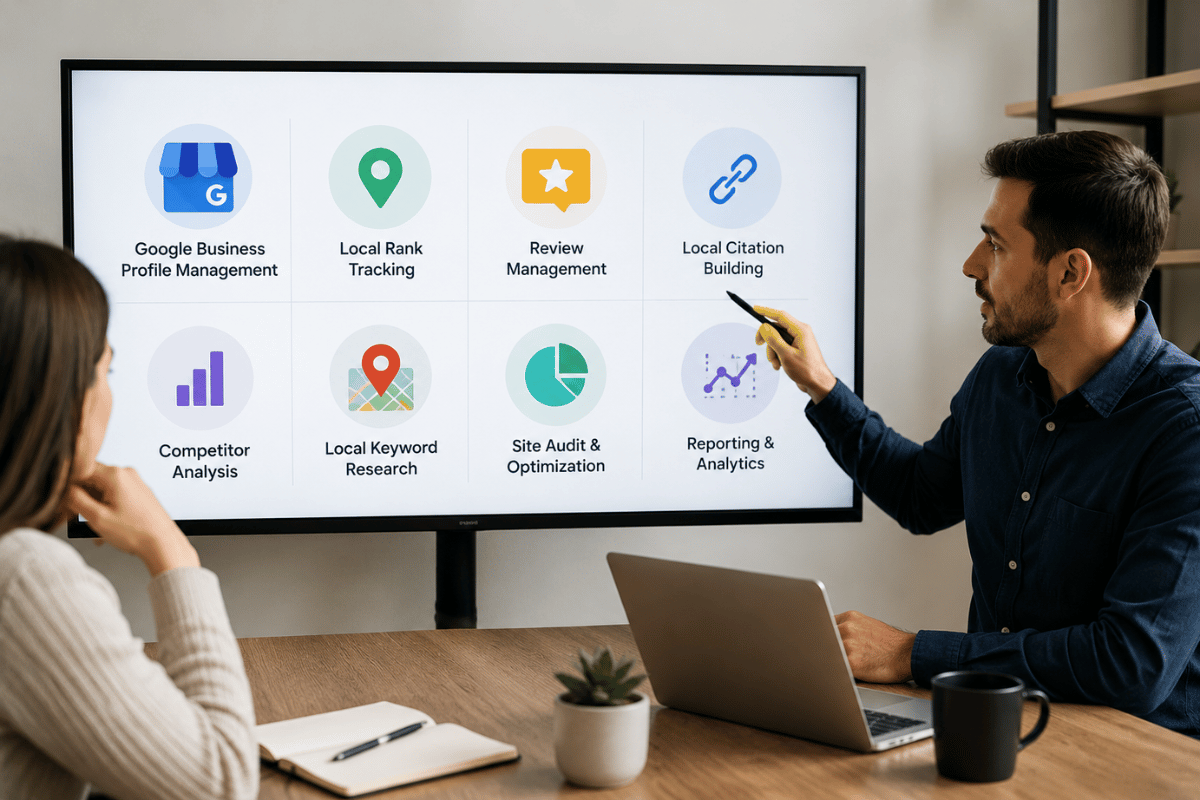
Google Local SEO software includes different features to help businesses improve their local search performance. The features you get depend on the software you choose and your business needs.
Local Rank Tracking
This feature checks where a business ranks for chosen keywords in a specific city, area, or radius around a location. Some tools also track rankings in the Google Maps Local Pack.
Google Business Profile Management
This feature lets you update business information, publish posts, upload photos, and monitor your Google Business Profile from one dashboard.
Citation and Listing Management
This feature checks your business name, address, and phone number across online directories and maps. It also finds duplicate or incorrect listings so you can fix them.
Review Monitoring and Management
This feature collects reviews from Google and other platforms, sends alerts for new reviews, and some tools also provide reply suggestions to help businesses respond to customer reviews more quickly.
Competitor Tracking
This feature compares a business profile and rankings against nearby competitors, showing gaps in reviews, keywords, or listing completeness.
Local SEO Audits
This feature scans a website and Google Business Profile for technical problems, missing information, and issues that may affect local search rankings.
Reporting and Analytics Dashboards
This feature brings together rankings, traffic, reviews, and profile data into reports that can be shared with a team, client, or business owner.
Types of Google Local SEO Software Available
Different businesses need different levels of local SEO software, depending on the number of locations and the depth of features required.
These tools focus on one business location. They usually include basic rank tracking, review monitoring, and Google Business Profile management at a lower cost.
These tools are built for businesses or franchises with many locations. They allow bulk updates to listings and let businesses manage all locations from one dashboard.
These platforms are designed for marketing agencies managing local SEO for multiple clients. They often include branded reports that agencies can share with clients.
All-in-One Marketing Suites
Some marketing platforms include local SEO along with tools for SEO, social media, advertising, and website management.
Google Local SEO Software Cost
The cost of Google Local SEO software depends on the number of business locations, the features included, and how often the software updates its data.
What Factors Affect Pricing?
Pricing depends on the number of business locations, keywords tracked, update frequency, and extra features such as business listing management or review management.
Most local SEO software works on a monthly subscription because rankings, reviews, and listings change constantly. Some audit tools offer one-time reports, but ongoing tracking almost always requires a subscription.
A free tool may work well for a small business with simple needs. As your business grows, a paid tool can help you manage more locations, keywords, and customer reviews more efficiently.
How Long Does It Take to See Results Using Local SEO Software?

Local SEO software speeds up tracking and management, but it does not change how long Google takes to update rankings.
What to Expect in the First Few Weeks
In the early weeks, software is mainly useful for identifying problems: incomplete profiles, missing citations, or customer review trends that need attention.
What Happens After a Few Months
After a few months of regular use, businesses often have enough data to understand ranking trends, monitor customer reviews, and find new opportunities to improve their local SEO.
Why Results Vary Between Businesses
Competition, existing profile quality, review history, and how actively a business responds to the software’s alerts all affect how quickly results appear.
How to Choose the Best Local SEO Software
Choosing the right Google Local SEO software depends on your business size, goals, and budget. The best tool should be easy to use and include the features you need to improve your local SEO.
Check the Features You Need
Choose software that offers the features your business needs, such as local rank tracking, Google Business Profile management, review monitoring, and business listing management. Avoid paying for features you may never use.
Compare Rank Tracking Accuracy
Look for software that tracks local keyword rankings accurately and updates data regularly. Some tools also show Google Maps and Local Pack rankings, giving you a better view of your local search performance.
Look for Easy-to-Read Reports
Good reports help you understand your progress without spending hours reviewing data. Choose software that makes it easy to share reports with your team or clients.
Check Google Business Profile Integration
Choose a tool that connects with your Google Business Profile. This makes it easier to manage business information, monitor reviews, and monitor Google Business Profile activity.
Consider Customer Support
Good customer support can save time if you need help setting up or using the software. Look for tools that offer guides, training, or live support.
Expert Tip
Before choosing Google Local SEO software, list the features your business needs most. This makes it easier to compare different tools and avoid paying for features you may never use.
Local SEO Software vs Hiring an SEO Agency vs In-House Team
| Factor |
Google Local SEO Software |
SEO Agency |
In-House Team |
| Cost |
Usually low to medium, subscription-based |
Medium to high |
High due to salary and tools |
| Expertise Needed |
| Someone needs to understand the data |
|
Agency provides strategy and expertise |
| Depends on the team’s skills |
|
| Time Investment |
Saves time on tracking, still needs action |
Agency handles most of the work |
Requires ongoing staff time |
| Best For |
Businesses that want control and data |
Businesses that want full-service management |
Larger businesses with steady SEO needs |
Google Local SEO software works best when it is used with an SEO agency or an in-house team. The software provides helpful data, while people use that information to make better SEO decisions and improve results.
Common Mistakes to Avoid with Local SEO Software
- Ignoring alerts: Check and fix the problems your software finds instead of ignoring them.
- Tracking too many keywords: Focus on the keywords that are most important for your business and location.
- Not replying to customer reviews: Respond to reviews regularly to build trust and keep customers engaged.
- Skipping business listing updates: Make sure your business information stays accurate across all online directories.
- Depending only on automation: Local SEO software is a helpful tool, but it should support your SEO strategy, not replace it.
Is Google Local SEO Software Worth It?
Yes. Google Local SEO software is worth it for businesses that want more customers from local search. It helps manage rankings, business listings, and customer reviews more efficiently. It is especially useful for businesses with multiple locations or limited time to manage local SEO manually.
A small business with one location may only need a simple or free tool. As the business grows, Google Local SEO software becomes more valuable by saving time, finding problems early, and making local SEO easier to manage.
How to Choose the Right Google Local SEO Software
Before selecting a tool, ask yourself:
- How many business locations do I manage?
- Do I need Google Maps rank tracking?
- Do I need Google Business Profile management?
- Is review monitoring important?
- Do I need citation management?
- What is my monthly budget?
- Do I need reports for clients or my team?
Conclusion
Google Local SEO software helps businesses manage rankings, business listings, customer reviews, and Google Business Profile information more efficiently. The right software saves time, identifies issues early, and provides the insights needed to improve local search visibility over time.
If you manage a single location, a simple tool may be enough. Businesses with multiple locations or marketing agencies often benefit from more advanced platforms that offer reporting, citation management, and Google Maps rank tracking.
Before choosing a tool, compare its features, pricing, ease of use, and support to find the best fit for your business goals. Remember, software is most effective when it’s combined with a well-planned local SEO strategy.
Need Help Improving Your Local SEO?
Choosing the right software is only one part of a successful local SEO strategy. At Flowrage Technology, we help businesses improve their Google Business Profile, optimize local search rankings, manage business listings, and build long-term online visibility with practical, data-driven SEO strategies.
Whether you’re a local business, a growing company, or managing multiple locations, our team can help you create an SEO strategy that matches your goals and supports sustainable growth.
Contact Flowrage Technology
Phone: 97708052941
Email: info@flowrage.com.np
Location: Opposite of Asoka stupa, Imadol, Lalitpur 44705, Nepal