A customer searches for what you sell. Three businesses show up on the map. Yours is not one of them. Or it is, but the phone number is old, the hours are wrong, and the only photo is from five years ago.
A Google Business Profile audit finds these problems. It is a careful check of your listing, from top to bottom, so you can see what is weak and fix it. For a local business, it is one of the best uses of a free afternoon.
This post shows you how to run a Google Business Profile audit yourself. You will get a clear checklist, a simple scoring table, and a fix order. You will also see what to look for in Nepal, where addresses and hours can be tricky.
What Is a Google Business Profile Audit?
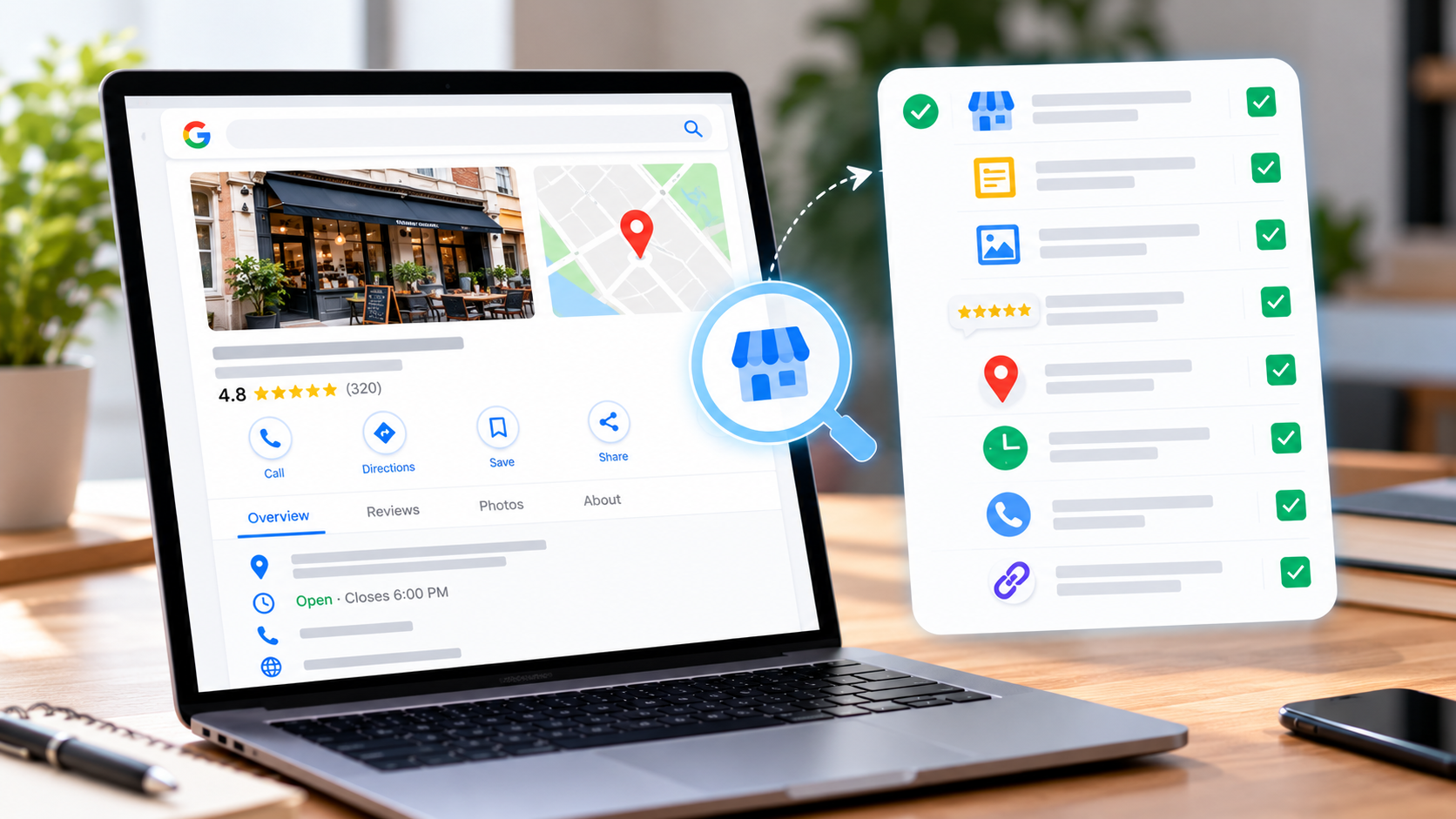
A Google Business Profile audit is a review of every part of your business listing on Google. You check that each detail is correct, complete,e and in line with Google’s rules. You also compare your listing with the rivals who show up above you.
Your Google Business Profile is the box that appears on Google Search and Google Maps when someone looks for your business. It shows your name, rating, photos, hours, phone number, website, etc., and more. For many local businesses, it is the first thing customers see.
An audit does not change anything by itself. It gives you a list. Then you work down the list and fix each item.
Why a Google Business Profile Audit Matters
Profiles slip out of date. Hours change. A phone number moves. A new service starts. Reviews pile up, and nobody replies. Rivals improve their listings while yours stays the same.
A regular Google Business Profile audit helps you:
- Show up more. A complete, accurate profile gives Google more to work with.
- Win more clicks. Good photos, clear hours, and a strong rating make people choose you.
- Avoid lost customers. Wrong hours or a dead website link send people away.
- Stay within the rules. Some old habits, like adding keywords to your name, can get a profile suspended.
- Spot rivals’ strengths. You see what the top businesses do that you do not.
Google says local results depend on relevance, distance,tance and prominence. An audit helps with all three, except distance, which you cannot change. You can read Google’s own page on how to improve your local ranking.
When to Run a Google Business Profile Audit
- When you first take over or claim a profile.
- At least twice a year for any active business.
- When your calls or direction requests drop.
- After you move, change your name, or add a new service.
- Before a busy season or a big festival.
- When you start paying for local SEO help.
What You Need Before a Google Business Profile Audit
- Owner or manager access to your profile.
- A list of your correct business details: name, address, phone, website, hours, and services.
- A spreadsheet to record what you find.
- The names of your top three local rivals.
You can open your profile by searching for your business name on Google while you are signed in to the account that manages it.
The Google Business Profile Audit Checklist
Work through the sections below. Mark each item as fine, needs work,k or missing.
1. Ownership and Verification
- Is the profile claimed and verified?
- Is it linked to an account you control, ideally a business email, not a personal one?
- Do the right people have access, and have old staff or agencies been removed?
If someone else owns your profile, you will need to request access or ask them to add you.
2. Business Name
Your name should be the real name you use in the real world. It should match your sign, your website, te and your invoices. Google’s rules say not to add extra keywords, slogans, or locations to the name just to rank. For example, “Smile Dental Clinic” is fine. “Smile Dental Clinic Best Cheap Dentist Lalitpur” is not.
Read the guidelines for representing your business on Google if you are not sure.
3. Categories
- Is your main category the one that best describes your business?
- Did you add extra categories for other services you really offer?
- Are the categories the same type as the ones your top rivals use?
The main category is one of the strongest signals in your profile. Pick the most specific one that fits.
4. Address and Service Area
- Is your address correct, and is your map pin in the right spot?
- If customers visit you, is the address shown?
- If you travel to customers, have you set a service area and hidden your address, as Google asks for service businesses?
In Nepal, many places are known by landmarks, not by street numbers. Write your address clearly, add the area and nearby landmark in a way Google accepts,s and check the pin on the map.
5. Phone and Website
- Is the main phone number correct, with the country code format that works for callers?
- Does the website link open the right page without errors?
- Does the link go to a page that matches the business, like your home page or a location page?
A dead link or a wrong number is one of the quickest ways to lose a lead.
6. Opening Hours
- Are your regular hours correct for every day?
- Have you set special hours for festivals and holidays, like Dashain and Tihar?
- If you close on Saturday, is Saturday marked as closed?
Wrong hours hurt trust. People who show up to a closed door often leave a bad review.
7. Description
- Is the description filled in and clear?
- Does it say what you do, who you serve, ve and what makes you special?
- Does it sound like a person wrote it, without stuffed keywords?
- Does it follow the rules, with no links and no promo phrases?
Write it in plain words. Google gives you limited space, so put the key points first.
8. Services, Products and Menu
- Have you added all your main services, with short descriptions?
- If you sell products, have you added them with photos?
- If you are a restaurant, is your menu up to date?
These sections tell Google and customers exactly what you offer.
9. Attributes
- Have you ticked the features that apply, like Wi-Fi, parking, wheelchair access, women-led, or online appointments?
- Are they true and up to date?
10. Photos and Videos
- Do you have a clear logo and a cover photo?
- Do you have photos of the outside, inside, team, products,s and work?
- Are the photos recent, bright, and real?
- Have you added new photos in the last month?
Profiles with many good photos tend to get more engagement. Avoid stock images and avoid photos with heavy text.
11. Reviews
- How many reviews do you have, and what is your average rating?
- Do you get new reviews every month?
- Do you reply to every review, good and bad?
- How fast do you reply?
- Do you have a simple way to ask customers, like a QR code or a short link?
Never buy reviews and never write fake ones. Google can remove them and may penalize your profile.
12. Posts and Updates
- Have you posted in the last month?
- Do your posts share offers, news, events, or helpful tips?
- Do they include a photo and a clear button?
Posts keep your profile fresh and give customers a reason to act.
13. Buttons and Links
- Do you have a booking, order, or appointment link, if it fits your business?
- Does messaging work, and do you answer fast?
- Do all links work?
14. Duplicates and Problems
- Search your business name and phone number. Is there another listing for the same place?
- Are there old listings for a past address?
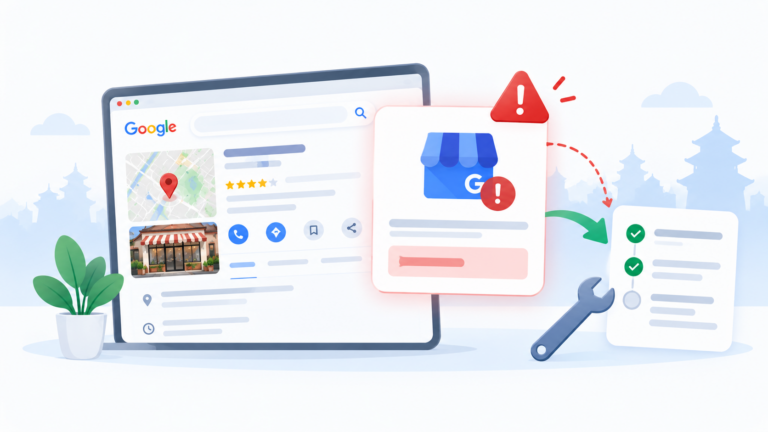
- Is your profile showing any warnings or suspensions?
Duplicate listings split your reviews and confuse customers. Ask Google to mark them as duplicates or closed.
15. Consistency Across the Web
- Is your name, address, SS, SS, and phone number the same on your website, Facebook, ook and other listings?
- Are there old listings with a past phone number or address?
Consistent details help Google trust your data. Our off-page SEO work includes cleaning up listings and finding good local links.
16. Your Website
Your website supports your profile. Check these:
- Does your site have a page for each location and each main service?
- Is the site fast and easy to use on a phone?
- Does it show the same name, address, phone, and hours as your profile?
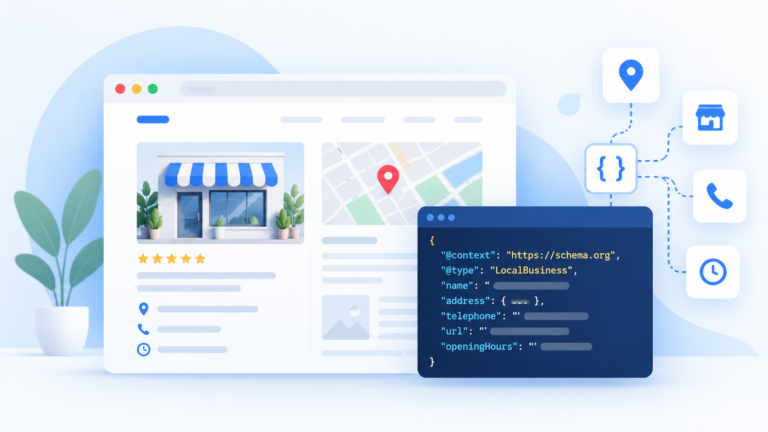
- Does it use local business schema markup?
Our on-page SEO and technical SEO services cover these points.
17. Performance
Open the performance numbers in your profile. Look at:
- How many people called you.
- How many asked for directions.
- How many clicked to your website.
- Which searches showed your profile.
Compare this month with last month. Numbers like these make a Google Business Profile audit useful, not just a tidy-up. If calls fall while views stay the same, check your phone number, hours,s and reviews.
18. Competitors
Search for your main keyword on Google Maps. Open the top three profiles. Compare them with yours:
- Review count and rating.
- Number and quality of photos.
- Categories and services.
- Posts and updates.
- Website and extras.
Your rivals show you what is possible.
19. Map Ranking
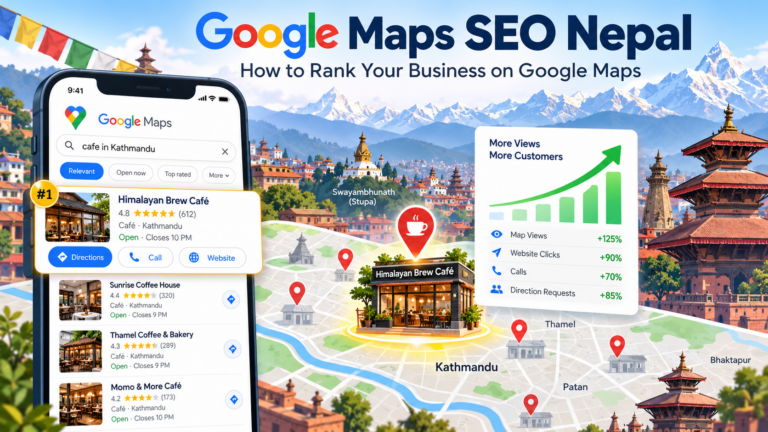
A Google Business Profile audit should include a rank check. Check how you rank for your main keywords in a few places across your area. Your rank can change from one block to the next. Write down your results so you can compare later.
20. Policy Check
- Is everything in your profile true and in line with Google’s rules?
- Are you using a real business address, not a fake or shared one that does not fit the rules?
- Are you free of spammy tricks, such as fake reviews or names stuffed with keywords?
A Simple Google Business Profile Audit Scoring Table
Use a table like this in your spreadsheet.
| Area | Status | Priority | Fix |
|---|---|---|---|
| Name | OK | Low | |
| Categories | Needs work | High | Change main category, add two more |
| Hours | Wrong | High | Update regular and festival hours |
| Photos | Old | Medium | Add 10 new photos |
| Reviews | No replies | High | Reply to all, start a review routine |
| Website link | Broken | High | Fix the link |
| Posts | None | Medium | Post once a week |
Give each item a status and a priority. High means it hurts you now. Medium means it holds you back. Low means a small improvement.
What to Fix First After a Google Business Profile Audit
Work in this order.
- Problems that lose customers. Wrong phone number, wrong hours, dead links.
- Rule problems. Name stuffing, fake details, duplicates.
- Categories and services. These help Google match you to searches.
- Reviews. Reply to all, and start a steady way to ask for more.
- Photos and posts. Add fresh content on a schedule.
- Website and consistency. Make your site and listings match.
After each batch of fixes, wait a few weeks, then check your numbers again.
Google Business Profile Audit Example: A Dental Clinic in Lalitpur
Here is a made-up example. A clinic runs a Google Business Profile audit and finds these things:
- The name has extra words added, and it risks a suspension.
- The main category is “Health” instead of “Dentist”.
- Saturday shows as open, but the clinic is closed.
- The website link goes to an old page that no longer exists.
- There are 40 reviews, and the owner has replied to only three.
- The newest photo is three years old.
The clinic fixes the name, changes the category, corrects the hours, updates the link,nk and replies to every review. It adds new photos and starts a monthly post. Two months later, calls and direction requests rise. The profile did not change overnight, but each fix removed a reason for customers to look elsewhere. That is the value of a Google Business Profile audit.
Common Mistakes in a Google Business Profile Audit
- Checking only the obvious parts, like the name and phone, and skipping categories and services.
- Adding keywords to the business name.
- Ignoring reviews that need a reply.
- Updating once and never again.
- Not checking for duplicate listings.
- Looking at your profile but never at your rivals.
- Fixing the profile but leaving the website out of date.
- Making many changes at once, so you cannot see what worked.
How Often Should You Run a Google Business Profile Audit?
Run a full Google Business Profile audit twice a year. Run a quick check every month: reply to reviews, add a few photos, post an update, and check your numbers. Also run a full audit after any big change, like a move or a rename.
Should You Do a Google Business Profile Audit Yourself?
You can run this audit yourself. It is free, and it teaches you how your listing works.
You may want help if you have many locations, if your profile has been suspended, if you cannot find a duplicate listing, or if you do not have the time. At Flowrage, we start local SEO projects with a full audit of your profile, your website, and your listings, then build a plan from what we find. See our local SEO services, our SEO services,s and our SEO packages.
Frequently Asked Questions
What is a Google Business Profile audit?
It is a full review of your Google Business Profile to check that every detail is correct, complete, te and within Google’s rules. It also compares your profile with your top rivals.
How do I audit my Google Business Profile?
Open your profile, check each section on the checklist, record what you find, compare with your rivals, and fix the biggest problems first.
How often should I run a Google Business Profile audit?
Do a full audit twice a year and a quick check every month. Run another after a move, rename,e or drop in calls.
Can a Google Business Profile audit improve my ranking?
It can help. Fixing wrong details, adding the right categories, getting reviews,ws and keeping the profile fresh all support your local rank. Nobody can guarantee a specific position.
Is it okay to put keywords in my business name?
No. Google says your name should match your real-world name. Adding extra keywords can get your profile suspended.
What is the most important part of a Google Business Profile audit?
Your main category, your name, address and phone number, your reviews,ews and your photos all matter. Start by making sure the basics are right.
How many photos should I add?
There is no fixed number. Add clear, real photos of your outside, inside, team, and work, and add new ones often.
Should I reply to every review?
Yes. Reply to good and bad reviews in a short, kind way. It shows customers that you care and helps your profile.
What do I do if my profile has a duplicate?
Find the duplicate listing, then use Google’s tools to report it as a duplicate or as closed. Keep one clean, verified profile.
Do I need a website if I have a Google Business Profile?
Yes. Your profile links to your site, and your site backs up your profile. Both should show the same details.
Can I run a Google Business Profile audit for a client?
Yes, if you have manager access. Agencies often start every local SEO project with an audit.
Start Your Google Business Profile Audit Today
Open your profile and look at the top five items on the checklist: name, categories, phone, hours, and website link. Fix anything wrong. That alone takes about twenty minutes, and it can save you leads you did not know you were losing.
If you would like an expert to review your profile, book a free consultation with Flowrage. We will audit your listing, show you what to fix first, and help you do it.