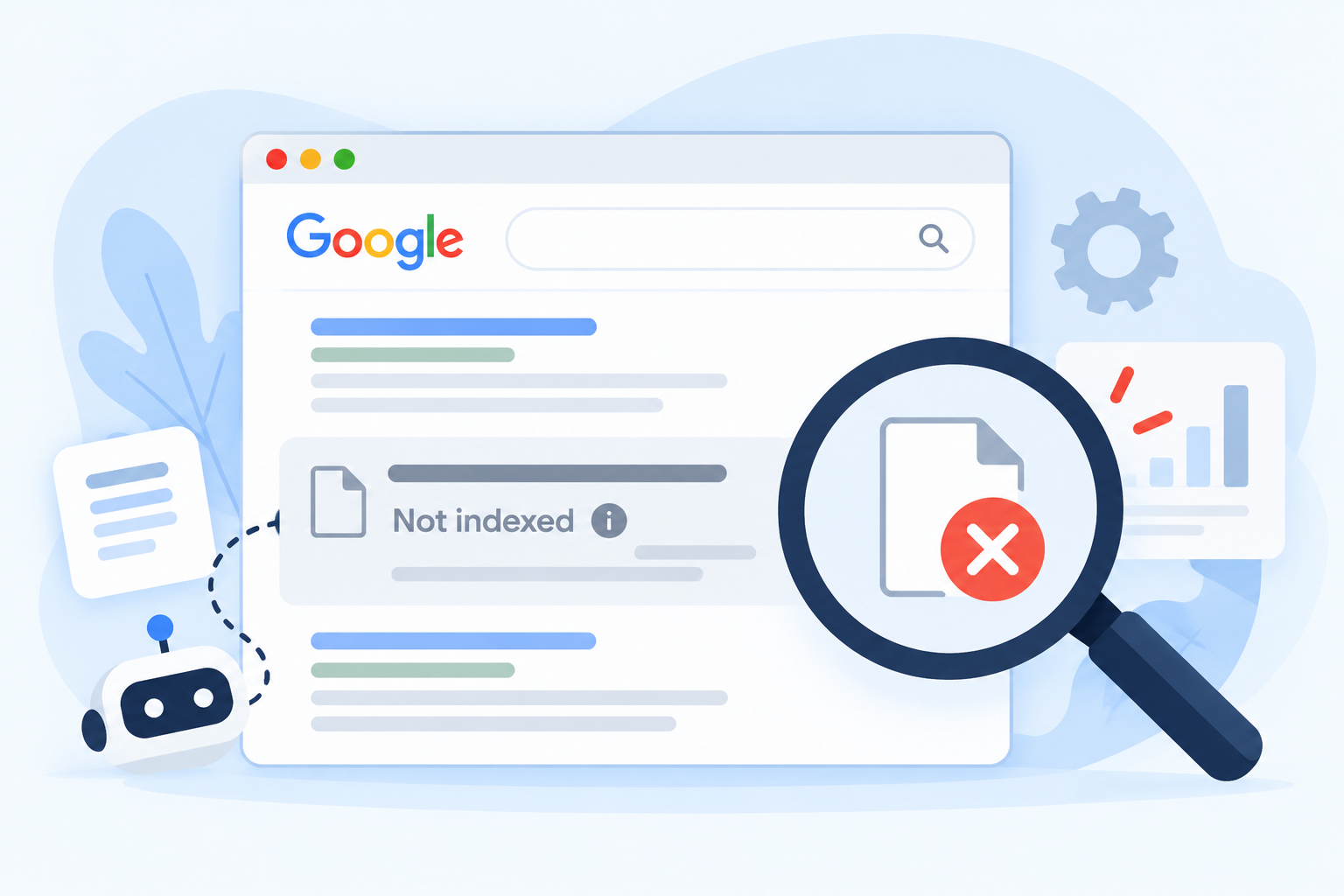
You finish a new page. You work on it for days. You publish it, then search for its exact title on Google. Nothing shows up. You wait a week—still nothing.
This is one of the most common SEO problems, and it is not rare in Nepal either. If Google doesn’t index website pages, they won’t appear in search results, so no one can find them, however good they are.
This guide explains the problem in plain words. You will learn what indexing means, how to check your pages, the common causes, and a step-by-step way to fix them. If you get stuck, you will also see when it is smart to ask a technical SEO team for help.
Quick Answer: Pages Not Indexed by Google
Pages not indexed by Google usually have one of three problems. Google cannot reach them because of a block, an error, or a noindex tag. Google does not know they exist because nothing links to them and there is no sitemap. Or Google saw them and chose not to keep them because the page is thin, copied o, or not helpful enough.
To fix it, open Google Search Console, check the Page indexing report, find the reason for each page, fix that reason, and then ask Google to look again. Not every page needs to be indexed, and no one can force Google to index a page.
What Does “Indexed” Mean?
Google works in steps.
- Discovery. Google finds out that a page exists, usually from a link or a sitemap.
- Crawling. Google visits the page and reads it.
- Indexing. Google decides whether to store the page in its big list of web pages.
- Ranking. When someone searches, Google picks pages from that list and puts them in order.
A page that is not in the index cannot rank. So indexing comes first. Many people spend time on keywords and links when the real problem is that the page was never indexed.
How to Check If Your Pages Are Indexed
Use these three checks, from quick to exact.
- A quick search. Type site:yourwebsite.com into Google. It gives a rough idea, but it is not a full or exact list.
- The URL Inspection tool. In Search Console, paste a page address into the top bar. It tells you if the page is on Google. Google explains how it works on its help page for the URL Inspection tool.
- The Page indexing report. In Search Console, go to Indexing, then Pages. It shows how many pages are indexed, and lists the reasons why others are not. See Google’s help page on the Page indexing report.
If you do not have Search Console yet, set it up first. It is free, and it is the best way to see what Google thinks of your site.
Common Reasons for Website Pages Not Indexed by Google
Here are the causes we see most often. Start with the simple ones.
A Noindex Tag
A noindex tag tells Google, “Do not keep this page.” It is useful for private pages, but it often gets left on by mistake after a site is built or redesigned. Google explains how it works on its page about blocking indexing. If your important page has this tag, remove it.
Blocked by robots.txt
Your robots.txt file tells Google which parts of your site it may visit. If a page is blocked, Google cannot read it. It also cannot see a noindex tag on it. Check that you did not block a folder you want in search.
Errors and Broken Pages
Pages that show a 404 error, a server error, or a redirect that loops cannot be indexed. Slow or unreliable hosting can cause server errors too. Make sure your important pages open fast and show the right content.
Duplicate Pages and Wrong Canonicals
If several pages are almost the same, Google may keep only one. A canonical tag tells Google which version you prefer, but Google may choose a different one. This often happens with near-copy pages, filter pages, and pages that exist with and without “www” or a slash.
Thin or Low-Value Content
A page with a few lines, copied text, or nothing new may be seen and then skipped. Google does not index every page it finds. Pages that help no one are the first to be left out.
Not Discovered Yet
If no other page links to a new page and it is not in your sitemap, Google may not find it. Pages that sit alone, with no internal links, are called orphan pages.
A New or Small Site
New sites often take longer. Google has no history with you yet, so it may crawl and index slowly. This improves as your site grows and earns trust.
Heavy JavaScript or Login Walls
If the main text of a page only appears after complex scripts run, or sits behind a login, Google may have trouble reading it. Important text should be easy to see on the page itself.
Security or Spam Problems
If a site is hacked or breaks Google’s rules, pages can drop out. Check the Security and Manual Actions sections in Search Console if many pages vanish at once.
What Search Console Says About Pages Not Indexed by Google
The Page indexing report gives each page a reason. Here is what the most common ones mean.
| Status | What it means | What to do |
|---|---|---|
| Crawled – currently not indexed | Google read the page but did not add it | Improve the page, add links, then wait |
| Discovered – currently not indexed | Google knows the page exists but has not visited it | Add internal links, add it to your sitemap, check site speed |
| Excluded by ‘noindex’ tag | The page tells Google not to index it | Remove the tag if you want the page in search |
| Blocked by robots.txt | Google is not allowed to visit | Remove the block if the page should be public |
| Not found (404) | The page does not exist | Restore the page or redirect it |
| Soft 404 | The page looks empty or like an error | Add real content or fix the page |
| Duplicate, Google chose a different canonical | Google picked another version | Check your canonical tags and merge copies |
| Alternate page with proper canonical tag | The page points to another version | Normal, no action needed |
| Server error (5xx) | Your server failed when Google visited | Fix hosting or server problems |
Google’s own help says a “crawled – currently not indexed” page may or may not be indexed later. You do not need to keep resubmitting it, so improve the page instead.
How to Fix Pages Not Indexed by Google, Step by Step
Work through these steps in order.
- Pick the pages that matter. List the pages you really want in search, like service pages, product pages, and key articles. Do not worry about every small page.
- Check the reason in Search Console. Open the Page indexing report and find the status of each important page.
- Inspect the page. Use the URL Inspection tool to see what Google found, and test the live page.
- Remove blocks. Take out noindex tags and robots.txt blocks on pages that should be public.
- Fix errors. Repair 404s, server errors, and bad redirects. Check that the page opens fast on a phone.
- Improve the page. Make the content useful, original, and complete. Answer the question a visitor would ask. Add pictures, details, and clear headings.
- Add internal links. Link to the page from your menu, your home page, and related pages, using words that describe it.
- Check your sitemap. Make sure the page is in the XML sitemap and that the sitemap is submitted in Search Console.
- Request indexing. Once the fix is done, use the URL Inspection tool to ask Google to look again.
- Wait and recheck. Check back after a few days to a few weeks.
Our on-page SEO work covers step 6, a nd our technical team covers steps 4, 5 and 8.
How to Request Indexing the Right Way
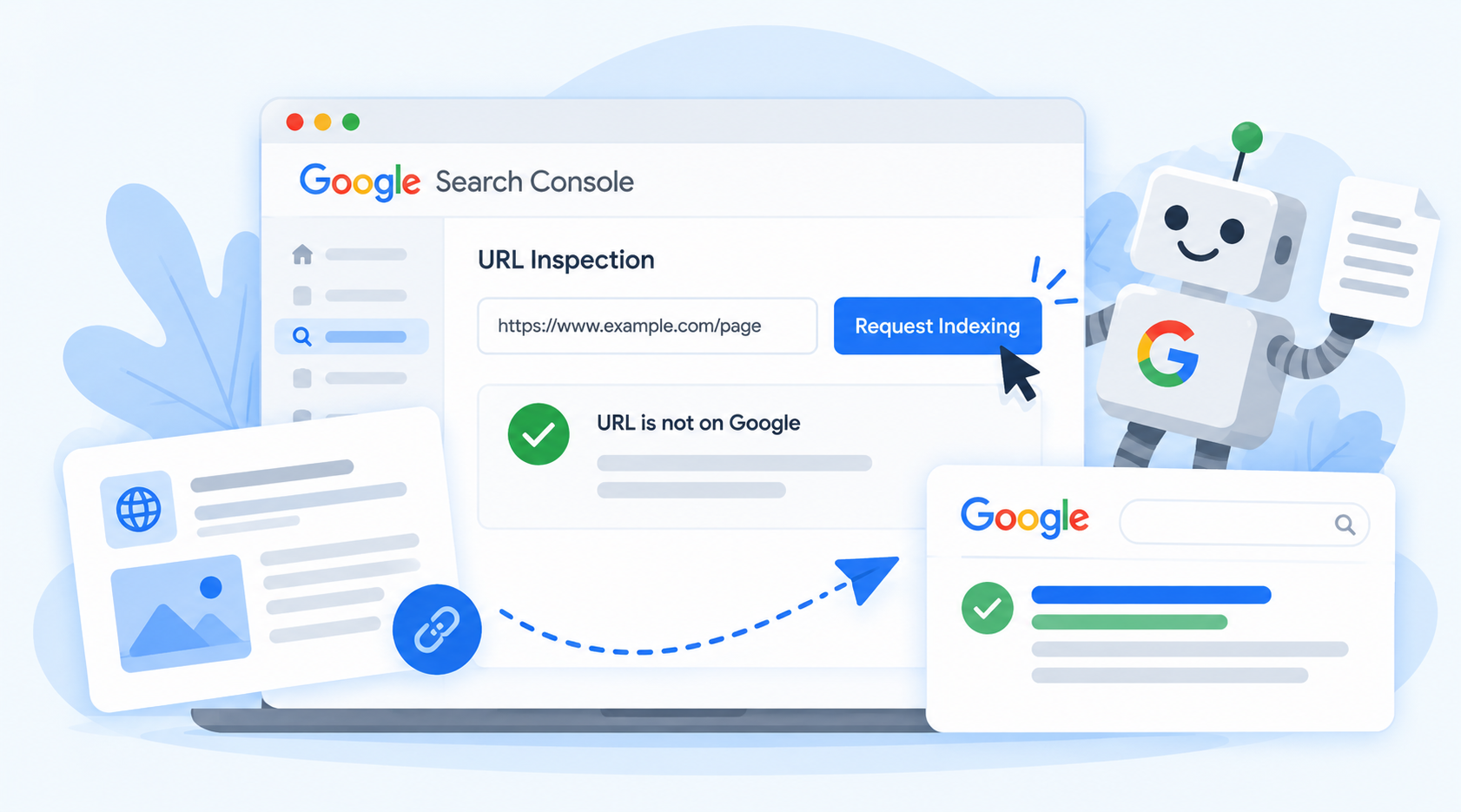
In the URL Inspection tool, paste the page address, check that it can be indexed, and click the option to request indexing. This sends Google a signal to look at the page again.
Some simple rules:
- Fix the problem first. Asking for indexing on a broken page will not help.
- Do it once per page. Asking again and again does not speed things up.
- Do not use it for hundreds of pages. Use a clean sitemap instead.
- Do not expect instant results.
How Long Does Indexing Take?
There is no fixed time. Some pages show up within a few days. Others take weeks, especially on new sites. If you still have important pages not indexed by Google after several weeks, and you have fixed the likely causes, it is time to look deeper at content quality and site structure.
Be careful with anyone who promises that every page will be indexed in a day. Google makes the final choice.
Pages That Should Not Be Indexed
Not every page belongs in search. It is normal and healthy for some pages to stay out.
- Thank-you pages and order pages
- Admin and login pages
- Internal search results
- Pages that are copies of other pages
- Very thin tag or filter pages
Seeing a few pages not indexed by Google is normal. Worry only when your main pages, the ones that bring customers, are missing.
Website Pages Not Indexed by Google in Nepal
Some patterns come up often on Nepali websites.
- Noindex left on after launch. Sites built on a test version sometimes go live with search engines still blocked. On WordPress, check Settings, then Reading, for the option that discourages search engines.
- Slow or unreliable hosting. Cheap shared hosting can cause slow pages and server errors, which can slow down crawling.
- Many near-copy location pages. Pages for Kathmandu, Lalitpur, and Bhaktapur that only change the city name may be treated as duplicates. Give each page its own useful details.
- Two-language duplicates. English and Nepali versions of a page should be clearly set up, so Google does not mix them.
- Pages with no links. New service pages are added but never linked from the menu or other pages.
- Image-only pages. Text inside images cannot be read as text. Add real words to the page.
For a shop or clinic that depends on local searches, indexing also affects your map results, because your website supports your profile. Our local SEO service looks at both. You can see how we handled these issues for a construction company in Nepal.
How to Prevent Indexing Problems
A few habits will save you many headaches.
- Use a launch checklist. Check noindex tags and robots.txt before and after you go live.
- Keep an up-to-date XML sitemap, and submit it in Search Console.
- Link every important page from at least one other page.
- Write original, useful content for each page.
- Keep your site fast and your hosting stable.
- Check the Page indexing report once a month.
- Fix 404s and redirect problems as soon as you see them.
If you are new to SEO, our simple SEO guide for small businesses in Nepal is a good place to start.
Should You Hire Help With Pages Not Indexed by Google?
Many indexing problems are easy to fix by yourself, such as a noindex tag or a missing sitemap. Ask for help if:
- Many pages are not indexed, a nd you cannot see why.
- Your site is large, with hundreds of pages.
- You have changed your site address or redesigned it.
- Your pages dropped out of Google suddenly.
- You do not feel safe editing site files.
A good technical SEO team can read your reports, find the cause,se and fix it. It cannot force Google to index a page, and it should not promise that. See what we offer on our technical SEO page, or look at our SEO package.
Frequently Asked Questions About Pages Not Indexed by Google
Why are my website pages not indexed by Google?
The most common reasons are a noindex tag, a robots.txt block, errors on the page, duplicate content, thin content, or no links pointing to the page. The Page indexing report in Search Console shows the reason for each page.
How do I check if a page is indexed?
Paste the page address into the URL Inspection tool in Search Console. It will tell you whether the page is on Google. You can also use the Page indexing report to see all your pages.
How long does it take for Google to index a new page?
It can take from a few days to a few weeks. New sites and pages with few links often take longer. There is no fixed time.
What does “Crawled – currently not indexed” mean?
Google visited the page but chose not to add it to its index for now. It may be indexed later. The best fix is to improve the page and add internal links.
What does “Discovered – currently not indexed” mean?
Google knows the page exists but has not visited it yet. Adding internal links, adding the page to your sitemap, and keeping your site fast can help.
Does requesting indexing guarantee my page will appear?
No. It asks Google to look at the page again, but Google decides whether to index it. Fix any problems first, and request once.
Will submitting a sitemap fix my indexing problem?
A sitemap helps Google find your pages, but it does not force indexing. The pages still need to be useful, reachable,ble and free of blocks.
How do I remove a noindex tag?
Find the tag in your page code or in your SEO plugin settings, remove it, and save the page. Then use the URL Inspection tool to ask Google to look again.
Should every page on my website be indexed?
No. Pages such as thank-you pages, login pages, and copies of other pages do not need to be in search. Focus on making sure your important pages are indexed.
Final Thoughts
Missing pages are frustrating, but the cause is often simple. Check Search Console, find the reason, fix it,t and ask Google to look again. Then keep your pages useful and well linked, so you do not fall into the same trap.
If you would rather have someone else sort it out, we are happy to take a look.
Pages Not Indexed by Google? Get Help From Flowrage
Flowrage is an SEO agency in Nepal. Our team helps businesses with technical SEO, on-page SEO, local SEO, content,nt and websites, so customers can find them on Google. We work with shops, clinics, service companies,ies and online businesses in Nepal and abroad.
If you have pages not indexed by Google and you are not sure why, book a free consultation. We will look at your Search Console reports, your robots.txt, your tags, and your sitemap, and tell you what to fix first, in plain words. For more guides, visit the Flowrage blog.
Talk to Flowrage About Your Website
Not sure why your pages are missing from Google? Let our team check it and explain your next step. No pressure, just clear answers. You can contact Flowrage online or send a message on WhatsApp.
Flowrage
Email: info@flowrage.com
Phone / WhatsApp: +977 9708052941
Website: flowrage.com
This post is general information. Google changes its tools and rules and decides what it indexes. No one can promise that a page will be indexed or how fast.