You built the website. You paid for it. You search your own business name, and nothing shows up. Or you show up on page six, behind people who do the same work as you.
A website not ranking on Google is one of the most common problems we see at Flowrage. The good news is that it almost always has a cause, and the cause can be found. Most of the time, it is one of a small group of issues.
This guide walks you through them in the order we check them. Start at the top. Do not skip the first section. Many owners with a website not ranking on Google never get past it.
Quick Answer: Why Is Your Website Not Ranking on Google?
A website not ranking on Google usually comes down to one of these:
- Google has not found or indexed your pages yet.
- Something on your site tells Google to stay away.
- Your pages do not match what people are searching for.
- Your content is thin, copied, or too similar to what already ranks.
- Other sites do not link to you, so Google has no reason to trust you.
- Your site is slow, broken on phones, or full of errors.
- Your site is new, and trust takes time.
The rest of this guide shows you how to check each one.
Step One for a Website Not Ranking on Google: Check If Google Can Find It
Before you fix anything, find out if your site is in Google at all. This takes five minutes, and it is free.
- Search your domain. Type site:yourwebsite.com into Google. If no results appear, your pages are not indexed.
- Open Google Search Console. If you have not set it up, do that today. It is the best free tool for a website not ranking on Google.
- Use the URL Inspection tool. Paste in one page. It tells you if that page is on Google and, if not, why.
- Check the Pages report. It lists pages that are indexed and pages that are not, with reasons.
If your pages are not in Google, ranking is not your problem yet. Getting indexed is. Read reasons 1 and 2 below first.
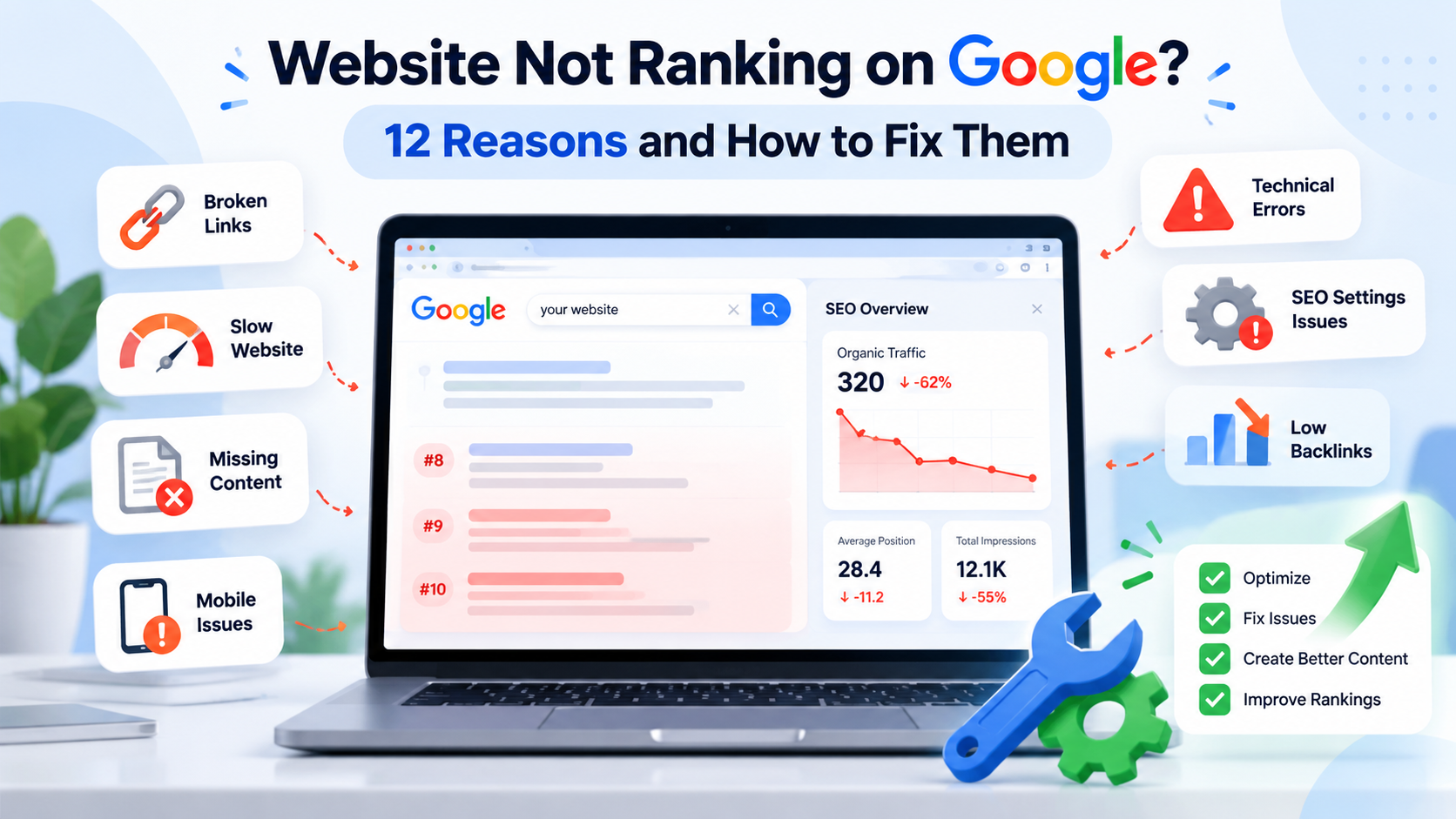
12 Reasons for a Website Not Ranking on Google
1. Your Pages Are Not Indexed
Google has to crawl a page and add it to its index before it can show it. New pages can take days or weeks. A page with no links pointing to it may never be found. Submit your sitemap in Search Console and link to new pages from pages that are already indexed.
2. Something Is Blocking Google
This one catches many sites. A noindex tag tells Google not to show a page. A robots.txt file can block Google from crawling your whole site. Both are often left on by mistake after a site is built on a test server.
If you use WordPress, check Settings, then Reading. If the box that says to discourage search engines is ticked, untick it. Read Google’s robots.txt guide if you are not sure what your file says.
3. Your Website Is New
A new website does not rank fast. Google needs time to find your pages and learn whether people trust them. For most small sites, you may see early movement in a few weeks and real results in three to six months. A website not ranking on Google in its first month is normal, not a failure.
4. You Are Targeting the Wrong Keywords
Many business owners want to rank for one big word like “digital marketing” or “dentist”. Those words are very hard and very broad. Your site is competing with large brands.
Start with specific searches that real customers type, like “dentist in Lalitpur open on Saturday”. These bring fewer visitors, but they are the right visitors. Do your keyword research before you write.
5. Your Content Does Not Match Search Intent
Search intent means what the person wants when they type something. If someone types “how to fix a leaking tap”, they want a guide. If your page is a sales page for plumbing services, Google will not show it for that search.
Look at the top results for your keyword. What kind of pages are they? Guides, lists, product pages? Make your page the same type, and make it better.
6. Your Content Is Thin or Copied
Short pages with a few generic lines rarely rank. Neither do pages copied from other sites or from a manufacturer. Google has seen all of it before. Thin pages are a common cause of a website not ranking on Google.
Write pages that answer the question fully. Add your own experience, photos, examples, and details. If ten sites say the same thing, say something that adds value.
7. You Have Few or No Backlinks
A backlink is a link from another website to yours. Google uses links as a sign of trust. If competitors have many good links and you have none, they will usually win.
You do not need hundreds. Start with real local links, like business groups, partners, news mentions, and trusted directories. Our guide to off-page SEO explains what to do and what to avoid. After the basics are fixed, links are the gap we see most often in a website not ranking on Google.
8. Your Site Has Technical Problems
Slow pages, broken links, redirect loops, pages that do not work on mobile, and server errors all hurt. If Google cannot load your site easily, it will not rank it well.
Run your main pages through PageSpeed Insights and look at Core Web Vitals. A proper technical SEO audit goes much deeper, but this is a good start.
9. Your On-Page Basics Are Weak
Check each important page for these:
- One clear title tag with your main keyword.
- One H1 that says what the page is about.
- A useful meta description.
- Clear headings that break up the text.
- Internal links to related pages.
- Image alt text.
These are simple, but many sites miss them. Our on-page SEO service covers all of this.
10. Your Competitors Are Stronger
Sometimes your site is fine, and the competition is just ahead. They have been publishing for years. They have more links and better content. Even a good site can be a website not ranking on Google when rivals are far ahead.
Study the sites that rank above you. Count their pages, check their content, and look at who links to them. Then pick smaller topics where you can win first.
11. Your Local Signals Are Missing
If you serve a local area, Google also looks at local signals. These include a complete Google Business Profile, steady reviews, and the same name, address, and phone number across the web.
A shop with no Google Business Profile can be a website not ranking on Google in map results even when the site itself is good. See our local SEO services for how this works in Nepal.
12. A Penalty or Update Hit Your Site
This is rare, but it happens. A manual action means a person at Google reviewed your site and found a problem, like spam links or hacked pages. Check the Manual Actions report in Search Console. If it is empty, you have no manual penalty.
More often, a drop comes from a core update. Google changes how it judges quality a few times a year. If your traffic fell after one, do not panic. Review your content against what now ranks, and improve it. Google explains how in its guide to debugging drops in search traffic.
How Long Until a Website Not Ranking on Google Starts to Rank?
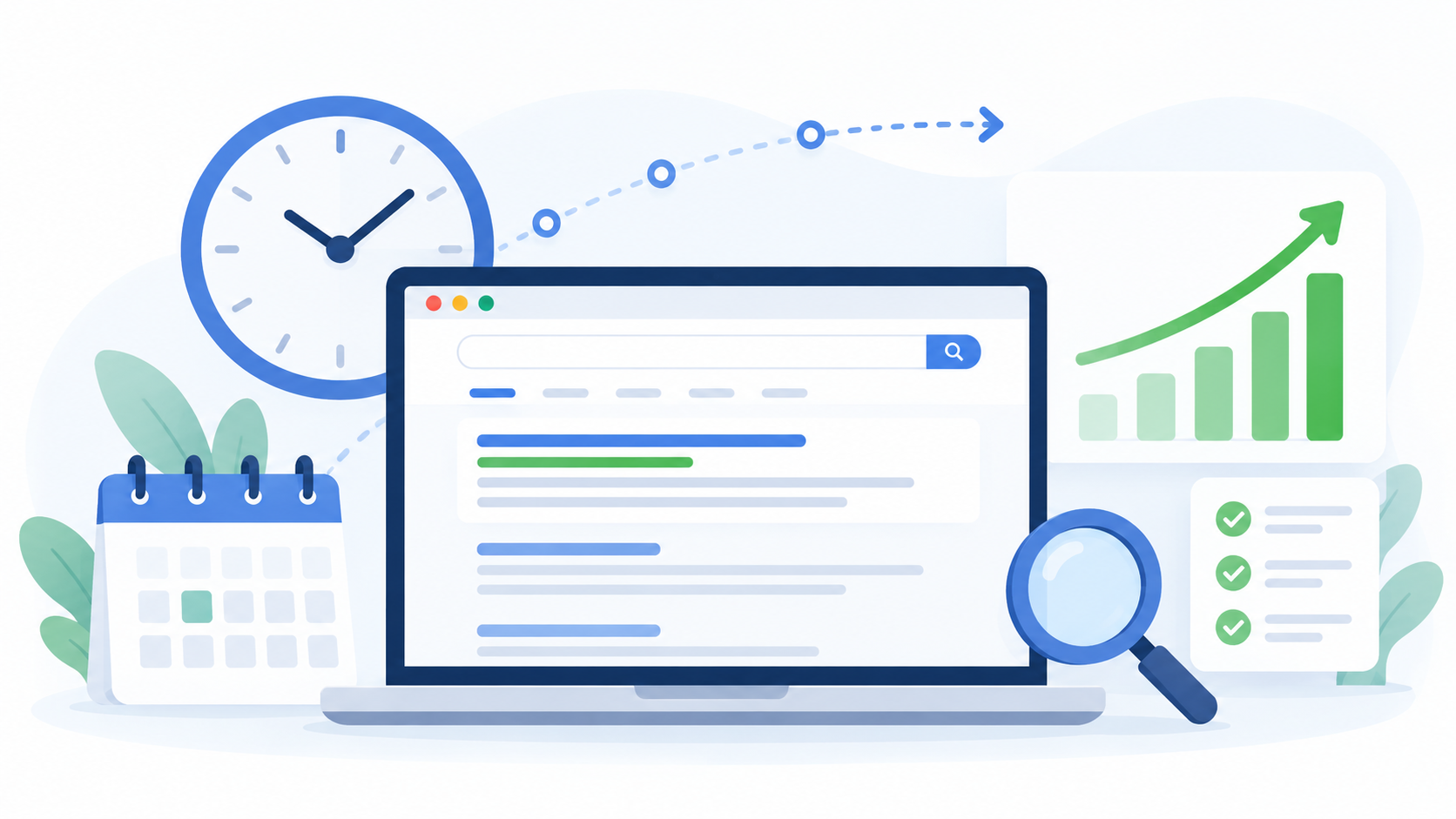
Nobody can give you an exact date. It depends on how new your site is, how strong your competition is, and how much work you do.
As a rough guide, a new site with good content often sees first movement in one to three months. Clear results in competitive markets usually take six months or more. SEO is a slow channel, but it keeps paying once it works.
Be careful with anyone who promises first-page results by a fixed date. No ethical SEO expert can guarantee specific rankings.
Website Not Ranking on Google After a Redesign?
A redesign or a move to a new domain is a common reason for a sudden drop. Check these first.
- Old URLs without redirects. If your page addresses changed, set up 301 redirects from the old ones to the new ones.
- Noindex left on. Test sites often have noindex on. If it stays on after launch, Google drops your pages.
- Lost content. If the new design cut text or pages that used to rank, rankings go with them.
- Changed titles and headings. Small edits can change what a page ranks for.
If your website is not ranking on Google after a rebuild, compare the old site and the new one page by page. The fix is usually simple once you find the gap.
Website Not Ranking on Google After an Update?
Google updates its systems all the time. Most changes are small. A few each year are big.
If your site lost traffic after a big update, check three things. Is the content helpful and written for people? Does it show real experience? Are your top pages up to date? Make real improvements and give it time. Quick fixes rarely work.
A Simple Fix-It Checklist for a Website Not Ranking on Google
Work through this list in order.
- Confirm your pages are indexed in Google Search Console.
- Remove any noindex tags or robots.txt blocks by mistake.
- Submit an XML sitemap.
- Fix broken links, redirects, and server errors.
- Test speed and mobile use on your top pages.
- Match each page to one clear keyword and search intent.
- Improve thin pages with real, useful detail.
- Add internal links between related pages.
- Claim and complete your Google Business Profile.
- Earn a few real backlinks from relevant local sites.
- Track clicks and impressions every month.
Free Tools for a Website Not Ranking on Google
You do not need a big budget to find the problem.
- Google Search Console. Shows indexing, clicks, impressions, and manual actions.
- PageSpeed Insights. Shows speed and Core Web Vitals problems.
- Screaming Frog (free version). Crawls up to 500 pages and finds broken links and missing titles.
- Google Analytics. Shows how much organic traffic you get and what visitors do.
Common Mistakes With a Website Not Ranking on Google
- Changing titles and content every week because rankings did not move.
- Buying cheap backlinks, which can cause a real penalty.
- Writing for search engines instead of people.
- Copying competitor pages word for word.
- Ignoring mobile users.
- Expecting results in two weeks.
- Never checking Search Console.
When to Ask an SEO Expert About a Website Not Ranking on Google
You can fix many of these problems yourself. But some need a trained eye, like deep technical errors, link problems, recovery after a penalty, or a plan for a hard market.
At Flowrage, we start every project with a full audit. We find why your website is not ranking on Google, then build a plan to fix it, with SEO services that cover technical, on-page, off-page, and local SEO. You can see how we work in our case studies, and our SEO packages show what each plan includes.
Frequently Asked Questions
Why is my website not ranking on Google even after SEO?
SEO takes time, and “SEO done” can mean very different things. Check that your pages are indexed, that your content matches search intent, and that you have real links. Many sites do only on-page work and skip links, or the other way around.
How do I know if my website is indexed by Google?
Type site:yourwebsite.com into Google, or paste a page into the URL Inspection tool in Search Console. If Google says the page is not on Google, the tool will tell you why.
Why does my website show for my brand name but not for other keywords?
That is common for new sites. Google knows your name, but it does not yet trust you for broader searches. Build more helpful content and earn more links. A website not ranking on Google for broad terms is not broken, only new.
Can I pay Google to rank my website higher?
You can run Google Ads, which place you at the top for a fee. But you cannot pay for better organic rankings. Ads and SEO are separate.
Will a new website rank right away?
Rarely. Most new sites need weeks to get indexed and months to build trust. Start with low-competition keywords and grow from there.
Is my website banned from Google?
Probably not. True bans are rare. Check the Manual Actions report in Search Console. If it is clean, your problem is more likely indexing, content, or links.
What is the fastest way to fix a website not ranking on Google?
Find out if it is indexed, remove anything that blocks Google and fix your title tags and content for your main pages. Those three steps solve many cases.
Start With the Basics This Week
A website not ranking on Google feels bad, but it is fixable. Open Search Console, check your indexing, and work down the list above. Fix the biggest problem first, then the next one.
If you would rather have an expert look at it, book a free consultation with Flowrage. We will check your site, tell you what is wrong, and show you what to do first.