Your website looks fine. The pages load. The design is clean. But the visitors are not coming, and nobody can tell you why.
That is when you need an SEO audit for website health. An audit is a checkup. It finds what is wrong, ranks the problems, and tells you what to fix first.
This guide shows you how to run an SEO audit for website pages yourself. You do not need to be an expert. You need a free afternoon and a few free tools.
What Is an SEO Audit for Website Owners?
An SEO audit is a review of everything that affects how your site shows up in Google. A good SEO audit for website owners looks at three big things:
- Technical SEO. Can Google find, load, and read your pages?
- On-page SEO. Do your titles, headings, and content match what people search for?
- Off-page SEO. Do other sites trust you enough to link to you?
Some audits also check local SEO and content quality. We cover both below.
Think of a doctor’s visit. The doctor does not guess. They test, find the cause, and tell you what to do. An audit works the same way for your site.
Why Run an SEO Audit for Website Health?
Sites break in quiet ways. A plugin update adds a noindex tag. A redesign breaks old links. A page gets slow after you add big photos. You may not notice for months.
An audit helps you:
- Find problems before they cost you traffic.
- Learn why a page is not ranking.
- Stop wasting time on things that do not matter.
- Decide what to fix first, so your time and money go further.
It also gives you a clear starting point. Later, you can compare your numbers and see if your work paid off.
When Is the Right Time for an SEO Audit for Website Owners?
Run a full audit at least once a year. Do one sooner if any of these happen:
- Your traffic drops and you do not know why.
- You just launched a new site or moved to a new domain.
- You finished a redesign.
- A big Google update hit your industry.
- You are about to hire an SEO expert and want a baseline.
For a small site, a quick check every three months is a good habit.
Free Tools for an SEO Audit for Website Owners
Set up these free tools first. They do most of the work.
- Google Search Console. Shows indexing, searches, clicks, and errors.
- Google Analytics 4. Shows who visits and what they do.
- PageSpeed Insights. Tests speed and mobile use.
- Screaming Frog (free version). Crawls up to 500 pages and finds broken links and missing titles.
- A spreadsheet. You will log every problem here.
Paid tools like Ahrefs and Semrush go deeper, but you can finish a solid SEO audit for website pages without them.
How to Do an SEO Audit for Website Pages: 10 Steps
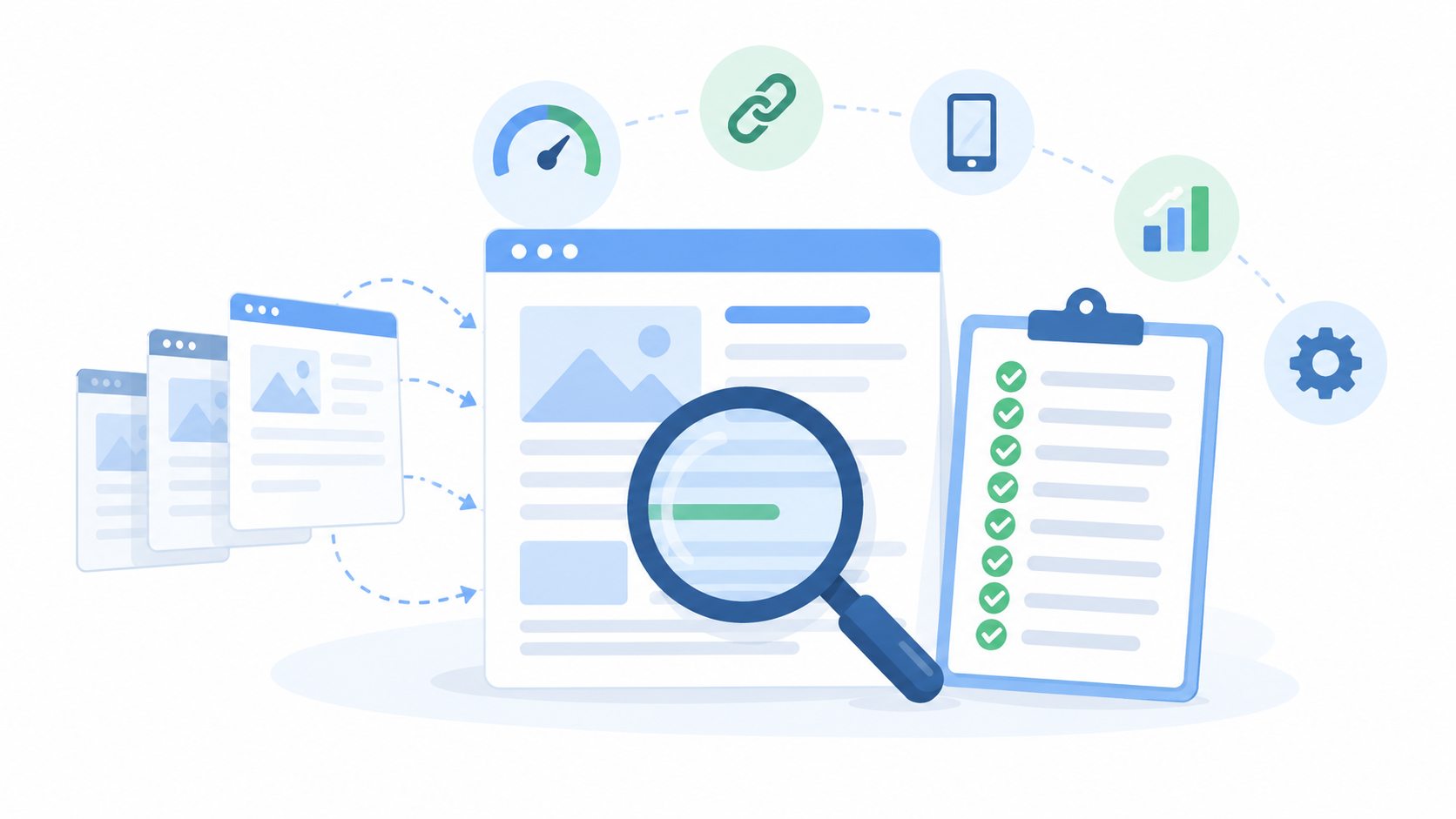
Follow these steps of the SEO audit for website pages in order. Write each problem in your spreadsheet as you go.
Step 1: Note Your Starting Numbers
Before you fix anything, write down where you stand. In Search Console, note your clicks and impressions for the last three months. In Analytics, note your organic visits and your goals, like calls or form fills.
These numbers show you later if your fixes worked.
Step 2: Check If Google Can Find Your Pages
Type site:yourwebsite.com into Google. Compare the result count with the number of pages you think you have. If the numbers are far apart, something is wrong.
Then open the Pages report in Search Console. It shows which pages are indexed and which are not, and gives a reason for each one. Look for these:
- Pages marked “noindex” by mistake.
- Pages blocked by robots.txt.
- Pages with errors or redirect problems.
Step 3: Crawl Your Site
Run Screaming Frog on your homepage. It visits every page, as Google does. When it finishes, look at these tabs:
- Response codes. Look for 404 (page not found) and 5xx (server error).
- Redirects. Long chains of redirects slow your site down.
- Page titles. Find missing, duplicate, or too-long titles.
- Meta descriptions. Find missing or repeated ones.
- H1 tags. Every page should have one clear H1.
Export the issues to your spreadsheet.
Step 4: Test Speed and Mobile Use
Most Nepali users browse on phones, so mobile comes first. Put your top five pages into PageSpeed Insights and read the mobile score.
Look at the Core Web Vitals. These measure how fast the main content loads, how fast the page responds to a tap, and whether things jump around while loading. Big images, heavy scripts, and cheap hosting are the usual causes.
Step 5: Check Security and Site Basics
- Does your site use HTTPS? You should see a padlock in the browser.
- Does the site work with and without “www”, and redirect to one version?
- Do you have an XML sitemap, and is it submitted in Search Console?
- Does your robots.txt file block anything important?
- Do duplicate pages use a canonical tag to point to the main one?
Step 6: Review On-Page SEO
Open your most important pages one by one. For each, check:
- The title tag has the main keyword and is easy to read.
- The H1 says clearly what the page is about.
- Subheadings break up the text.
- The meta description gives a reason to click.
- Images have short, plain alt text.
- The URL is short and readable.
- The page links to other pages on your site.
Our on-page SEO service covers these in detail.
Step 7: Look at Your Content
Content is the biggest part of most audits. Ask these questions about each page:
- Does it match what the searcher wants? A guide for a guide search, a service page for a buying search.
- Is it thin? Pages with a few lines rarely rank.
- Is it out of date? Old prices, old dates, and old advice hurt trust.
- Is it copied? Copied text does not rank.
- Do two pages go after the same keyword? If so, merge them or give each its own topic.
Mark pages as keep, improve, merge, or delete.
Step 8: Check Keywords and Rankings
In Search Console, open the Performance report. Sort by impressions. Find pages that get many impressions but few clicks. Their titles may need work.
Find pages stuck between positions 8 and 20. These are your quick wins. A better title, more detail, or a few links can push them onto page one.
Also look for keywords you should rank for but do not. That is your content gap.
Step 9: Check Backlinks and Local SEO
Count the sites that link to you. Search Console shows your top linking sites. Free tools like Ahrefs Webmaster Tools show more. Look for strong links from real sites in your field, and for spammy ones you should watch.
If you serve a local area, check your Google Business Profile. Is your name, address, and phone number right? Are your hours current? Do you reply to reviews? Your details should match everywhere online. Our local SEO services can help with this.
For more on links, read about off-page SEO.
Step 10: Study Two or Three Competitors
Search your main keywords and note who ranks above you. Look at their pages. How long are they? What do they cover that you do not? How many sites link to them?
You are not copying them. You are finding what Google already rewards, and where you can do better.
SEO Audit for Website Checklist
Use this table when you run your audit.
| Area | What to check | Free tool |
|---|---|---|
| Indexing | Pages in Google, noindex tags, robots.txt | Search Console |
| Crawl errors | Broken links, 404s, redirect chains | Screaming Frog |
| Speed | Mobile score, Core Web Vitals | PageSpeed Insights |
| Security | HTTPS, one site version | Browser, Search Console |
| On-page | Titles, H1s, meta descriptions, alt text | Screaming Frog |
| Content | Thin, old, copied, or overlapping pages | Manual review |
| Keywords | Impressions, clicks, positions | Search Console |
| Backlinks | Linking sites, spammy links | Search Console, Ahrefs Webmaster Tools |
| Local | Business Profile, reviews, name and address | Google Business Profile |
| Competitors | Who ranks above you and why | Google search |
How to Fix What Your SEO Audit for Website Pages Finds
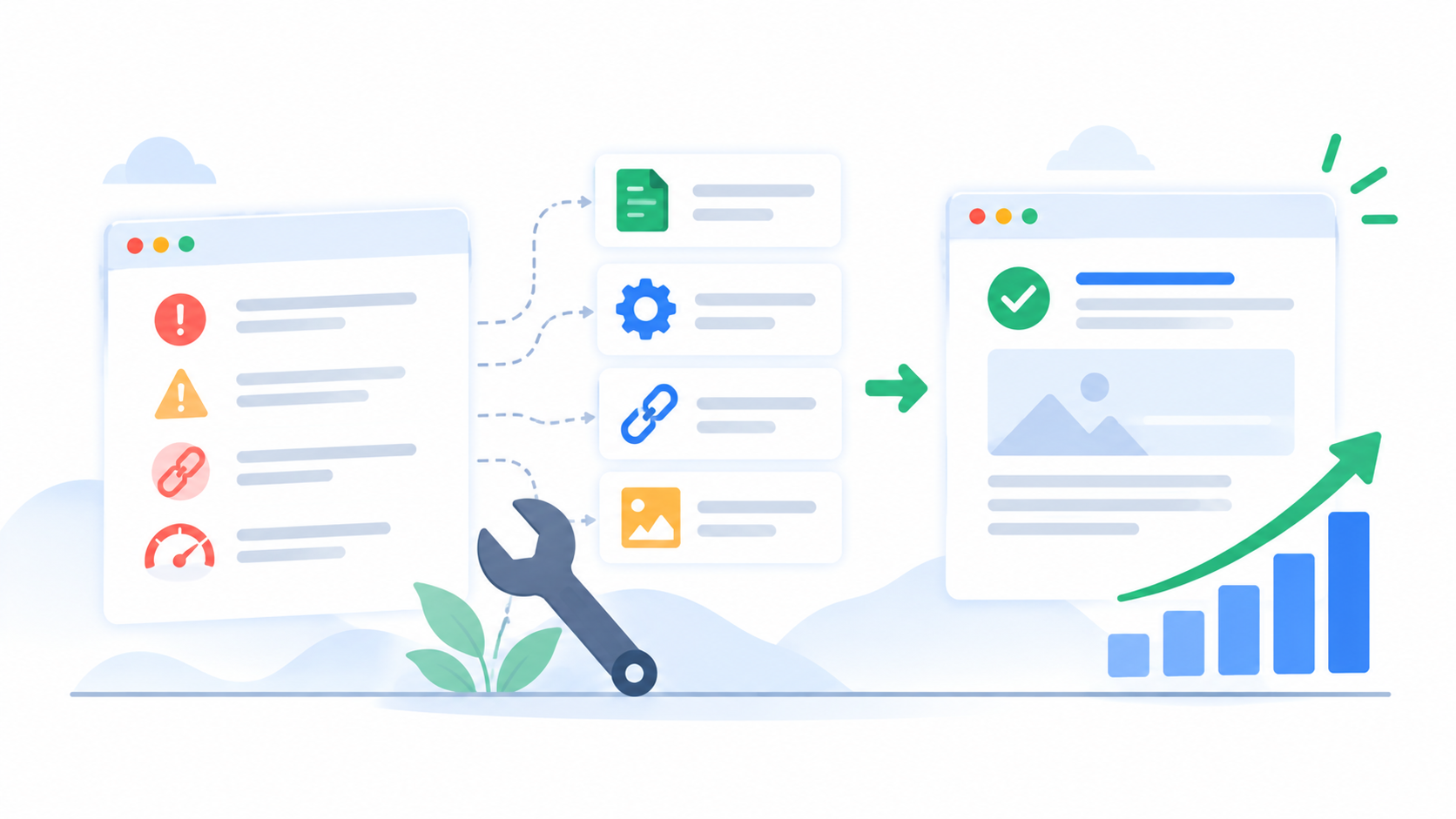
An audit is only useful if you act on it. Sort your spreadsheet into three groups.
| Priority | Examples | When |
|---|---|---|
| High | Pages not indexed, noindex by mistake, broken checkout or contact page, site not on HTTPS | This week |
| Medium | Slow pages, missing titles, duplicate content, broken links | This month |
| Low | Missing alt text, small meta tweaks, minor redirect chains | When you have time |
Fix the high ones first. They can hold back your whole site. Then work down the list. After each batch of fixes, check Search Console to see if the numbers move.
Common Mistakes in an SEO Audit for Website Owners
- Fixing small things first and ignoring big ones.
- Trusting one score. A tool’s “SEO score” is only a rough guide.
- Auditing once and never again.
- Changing too many things at once, so you cannot tell what worked.
- Skipping content and only looking at technical issues.
- Collecting problems but never writing a plan.
DIY Audit or Hire an Expert?
You can do a basic SEO audit for website pages yourself with this guide. It is a great way to learn how your site works.
But some problems need a trained eye. Think of large sites with thousands of pages, drops after a Google update, hacked or penalized sites, and tricky technical issues like rendering or crawl budget. A technical SEO audit by a specialist goes much deeper than a free tool can.
At Flowrage, every project starts with a full SEO audit for website owners who want clear answers. We tell you what is wrong, rank the fixes, and show you what to do first. See our SEO services and SEO packages to learn more.
Frequently Asked Questions
What is an SEO audit for website owners?
It is a full review of your site to find problems that stop it from ranking well in Google. It covers technical issues, on-page work, content, links, and sometimes local SEO.
How long does an SEO audit for website pages take?
A small site can take a few hours with free tools. A large site can take days or weeks. The audit is quick. Fixing the problems takes longer.
How often should I run an SEO audit for website pages?
Do a full audit once a year and a quick check every three months. Also run one after a redesign, a move, or a big traffic drop.
Can I do an SEO audit for website pages for free?
Yes. Search Console, Analytics, PageSpeed Insights, and the free version of Screaming Frog cover most of the work.
What is the most important part of an SEO audit?
Indexing. If Google cannot find or store your pages, nothing else matters. Check that first.
What should I do after the audit?
Sort the problems by priority, fix the high ones first, and track your numbers in Search Console. Then do a quick recheck after a month.
Will fixing audit issues guarantee higher rankings?
No. No ethical SEO expert can guarantee specific rankings. But fixing real problems removes things that hold your site back, and that helps.
Start Your SEO Audit for Website Pages Today
Open Google Search Console and check your Pages report. It takes five minutes and often shows the biggest problem right away. Then work through the ten steps above, one a day.
If you would like an expert to look at your site, book a free consultation with Flowrage. We will run the audit, explain the results in plain words, and help you fix what matters most.