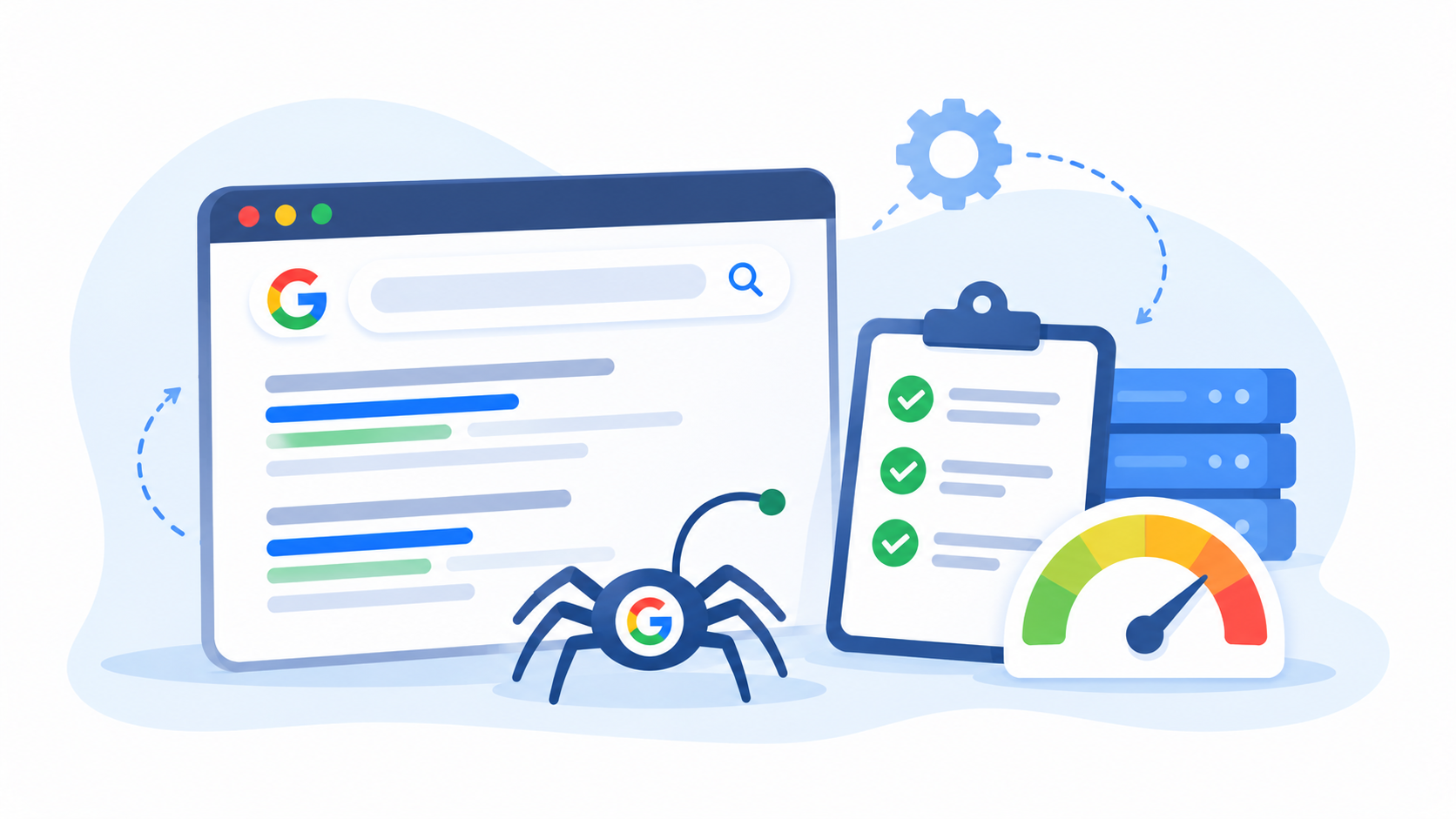
Google has to find your pages before it can rank them. To do that, it sends a robot, called Googlebot, to visit your site. But the robot does not have unlimited time for every site. If it spends that time on junk pages, your good pages may wait a long time to be seen.
That is the idea behind crawl budget optimization. It is the work of helping search engines spend their visits on the pages that matter. In this post, you will learn what crawl budget is, who really needs to care about it, what wastes it, and 12 ways to fix it. We will also be honest about when it does not matter, because for many sites it does not.
What Is Crawl Budget?
Crawl budget is the number of pages a search engine will visit on your site in a given time. Google explains that it comes from two things:
- Crawl capacity. How much Googlebot can visit without slowing down your server. If your site is slow or throws errors, Google backs off.
- Crawl demand. How much Google wants to visit your pages. Popular, fresh, and useful pages get visited more. Stale or low-value pages get visited less.
Together, these set how many of your pages get a visit, and how often. You can read the full explanation in Google’s guide to managing crawl budget.
Think of a library worker who can check a set number of books each day. If the shelves are full of copies and torn pages, the new books wait. Crawl budget optimization cleans up the shelves.
Who Needs Crawl Budget Optimization?
Here is the part many articles skip. Most small sites do not need to worry about crawl budget.
Google says crawl budget matters most for these sites:
- Very large sites with many thousands or millions of pages.
- Sites with pages that change a lot, like news sites or busy stores.
- Sites with many pages marked “Discovered, currently not indexed” in Search Console.
If your site has a few dozen or a few hundred pages, Google can usually crawl all of it with no trouble. For you, a clean site, good content, and fast pages matter more than crawl budget optimization.
Many Nepali business sites are small. If that is you, use this post to learn good habits, and do not stress about the numbers. If you run a large store, a news site, a job portal, or a classifieds site, keep reading closely.
Signs You Need Crawl Budget Optimization
Look for these signs.
- New pages take weeks to show up in Google.
- Search Console shows many pages as “Discovered, currently not indexed” or “Crawled, currently not indexed”.
- Your site makes thousands of addresses from filters, sorting, and search.
- Crawl stats show Google spending most visits on pages you do not care about.
- Your server is slow or often returns errors when Google visits.
- You have a very large number of redirects, errors, or duplicate pages.
If none of these fit, you probably do not need heavy crawl budget optimization.
What Wastes Crawl Budget?
Googlebot wastes time on pages that give it nothing useful. Crawl budget optimization starts by finding them. Here are the usual causes.
Faceted Navigation and URL Parameters
Filters and sorting, like color, size and price, can create thousands of address versions of one list. Each one looks like a new page to a robot. Tracking codes and session IDs do the same thing.
Duplicate Content
When many addresses show the same content, Google crawls all of them. This is one of the most common causes of wasted crawling.
Soft Errors and Broken Pages
Pages that look empty or like errors, but return a normal status, waste visits. So do long chains of broken links and redirects.
Long Redirect Chains
Each redirect is one more request. A chain of three or four redirects uses up crawl time and slows everything.
Low-Value Pages
Thin tag pages, empty category pages, old test pages, and auto-made pages add little for visitors. They still cost crawl time.
Infinite Spaces
Some features can create endless addresses, like a calendar that links to the next month forever, or a search page that links to more searches.
Hacked or Spam Pages
If a site is hacked, the attacker may create thousands of junk pages. Google may crawl them and waste time.
A Slow or Weak Server
If your server answers slowly or fails often, Google cuts back its visits to avoid overload. Your good pages are crawled less.
How to Check Your Site Before Crawl Budget Optimization
You can see how Google crawls your site for free.
Step 1: Open the Crawl Stats Report
In Google Search Console, go to Settings, then Crawl stats. This report shows:
- Total crawl requests. How many times Google asked for your pages.
- Average response time. How fast your server answers.
- Host status. Whether Google had trouble reaching your site.
- Response codes. How many requests were fine, redirected, not found, or errors.
- File types. Whether Google visits HTML, images, scripts, and more.
- Purpose. Whether visits were to find new pages or to refresh old ones.
Look for big numbers of errors, redirects or visits to pages you do not care about.
Step 2: Check the Pages Report
Open the Pages report under Indexing. Look at how many pages are indexed, and at the reasons for pages that are not. A large pile of “Discovered, currently not indexed” can be a sign of a crawl problem.
Step 3: Crawl Your Own Site
Use a crawler like Screaming Frog. Look for duplicate pages, long redirect chains, broken links, pages with no internal links, and parameter URLs. The free version covers up to 500 pages.
Step 4: Look at Server Logs
Server logs show every visit from Googlebot. This is the most accurate way to see where Google spends time. It takes more skill, so many owners ask a technical SEO to do it.
| Source | What it shows | Skill level |
|---|---|---|
| Search Console crawl stats | Overall Google visits and errors | Easy |
| Search Console Pages report | Which pages are indexed or not | Easy |
| A site crawler | Problems on your own pages | Medium |
| Server logs | Exactly which pages Googlebot visits | Advanced |
Crawl Budget Optimization: 12 Ways to Do It
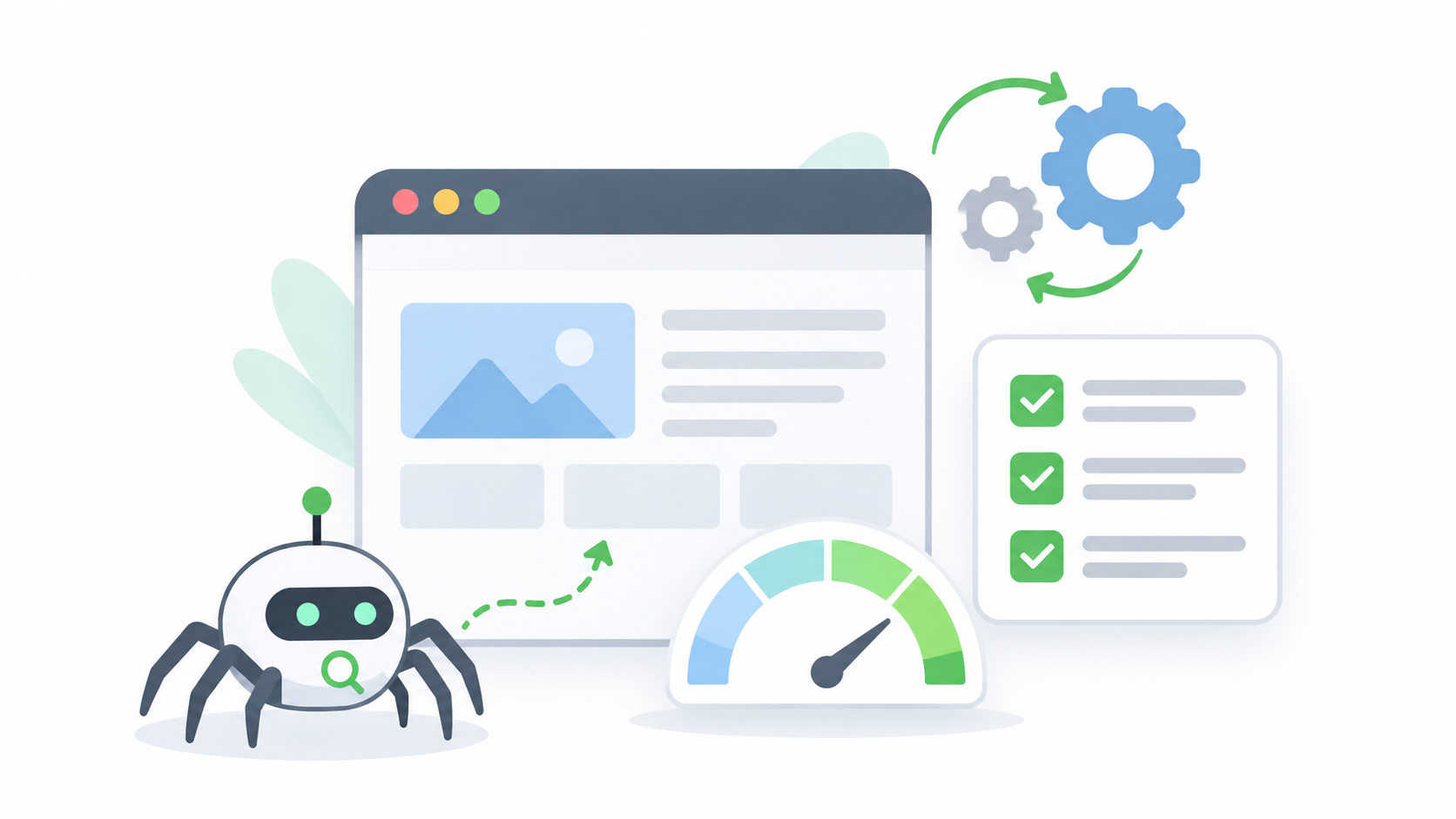
Work through these crawl budget optimization steps in order. The first few give the biggest wins.
1. Remove or Fix Duplicate Pages
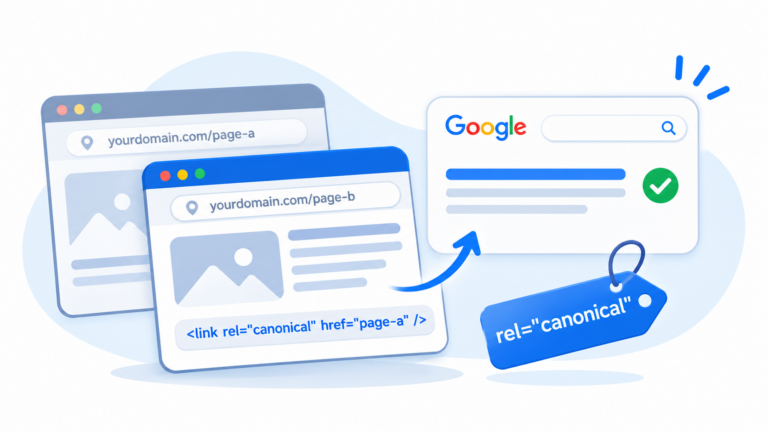
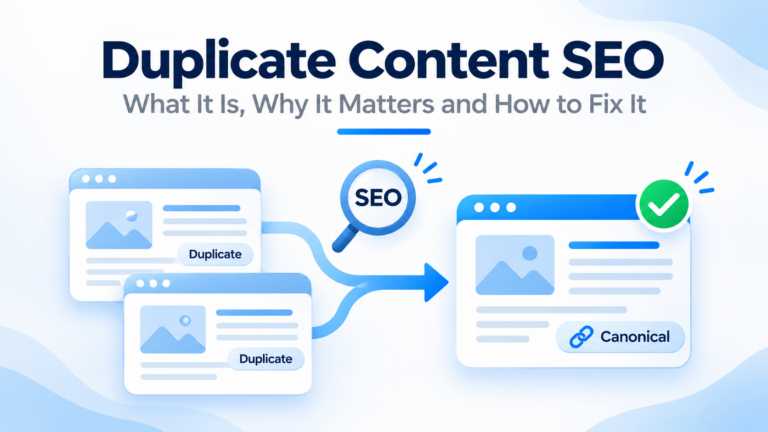
Use 301 redirects, canonical tags, or merging to cut down copies. Fewer copies means fewer wasted visits.
2. Control Filters and Parameters
For stores, decide which filter pages are useful, like “red running shoes”, and which are not. Keep the useful ones open. For the rest, use canonical tags or block them from crawling.
3. Block Low-Value Pages in Robots.txt
Robots.txt tells search engines which areas not to crawl. Use it for things like internal search results, cart and checkout pages and endless calendars. Be careful not to block pages you want in Google, or files your pages need, like CSS and scripts.
4. Fix Broken Links and Soft 404s
Fix dead links on your site and return the right status for pages that are gone.
5. Return the Right Status for Removed Pages
Pages you removed on purpose should return a 404 or 410. Pages that moved should use a 301. Do not make “empty” pages that return a normal status.
6. Cut Redirect Chains
Update old links so they go straight to the final address. Aim for one redirect at most.
7. Keep Your XML Sitemap Clean
List only pages you want in Google. They should return a normal status, be indexable, and be the main version. Remove redirects, errors, and noindex pages from the sitemap. Keep the last-modified dates honest.
8. Improve Your Internal Links
Make sure every important page is linked from other pages. Pages with no internal links, called orphan pages, are hard to find. Keep important pages close to the home page, so a visitor or robot reaches them in a few clicks.
9. Speed Up Your Server and Pages
A fast server lets Google crawl more without strain. Use good hosting, caching, and compressed files, and keep an eye on the average response time in crawl stats. Our technical SEO service covers speed and server health.
10. Cut Thin and Old Pages
Merge, improve, or remove pages with little value. Fewer, stronger pages are easier for Google to handle.
11. Make Pages Cheaper to Crawl
Large scripts, huge images, and slow third-party files make every visit heavier. Keep pages light. If your server supports it, let it answer “not modified” when a page has not changed.
12. Watch for Hacks and Spam
Check Search Console for security warnings and strange new pages. Clean any hack fast, and keep your software up to date.
Robots.txt vs Noindex vs Canonical in Crawl Budget Optimization
People mix these up. They do different jobs.
| Tool | What it does | Saves crawl budget? |
|---|---|---|
| Robots.txt | Tells robots not to visit certain addresses | Yes, because the page is not visited |
| Noindex | Tells Google not to show a page in results | Not much, because Google must still visit to see it |
| Canonical tag | Points copies to the main page | Slowly, as Google crawls the copies less over time |
| 301 redirect | Sends a page to a new address | Yes, once the old address fades away |
A key point: if you block a page in robots.txt, Google cannot see a noindex or canonical tag on it. Pick the right tool for the job, and do not use two tools on the same page in a way that clashes.
Crawl Budget Optimization for WordPress Sites
WordPress sites can create extra pages without you knowing. For crawl budget optimization on WordPress, check these:
- Tag, date, te and author archives. Set low-value ones to noindex, or turn them off.
- Attachment pages. Redirect them to the main post or image.
- Internal search results. Block them in robots.txt.
- Comment reply links. These can create many address versions of one post.
- Feeds. Old feeds can be crawled a lot, so keep them tidy.
- Plugins and themes. Heavy ones slow your server and hurt crawling.
Most SEO plugins have settings for these. Check them after any plugin update.
Crawl Budget Optimization for Online Stores and Large Portals in Nepal
If you run a larger site in Nepal, such as an online store, a job portal, a news site, or a classifieds site, the risks are bigger.
- Stores. Control filters, sorting, and out-of-stock pages. Redirect or update pages for products you no longer sell.
- Job and classified sites. Listings expire fast. Return the right status for expired ones, and do not leave thousands of empty pages.
- News sites. Make sure new stories are linked from the home page, category pages, and the sitemap, so Google finds them fast.
- All of them. Host on a fast, stable server. Slow hosting is a common problem for growing sites.
For crawl budget optimization on a big site, work with a team that can read server logs and fix the root causes. Our technical SEO and website development teams can help.
A Crawl Budget Optimization Checklist
- I checked the Crawl stats report in Search Console.
- I checked the Pages report for large piles of “not indexed” pages.
- I found and reduced duplicate pages.
- I controlled filter and parameter addresses.
- I blocked low-value areas in robots.txt without blocking needed files.
- I fixed broken links and soft 404s.
- I cut long redirect chains.
- My XML sitemap lists only good, indexable pages.
- Every important page has internal links.
- My server is fast and stable.
- I removed or merged thin and old pages.
- I will check again in three months.
Common Mistakes in Crawl Budget Optimization
- Spending weeks on crawl budget when the site only has a few hundred pages.
- Using noindex and expecting it to save crawl budget by itself.
- Blocking a page in robots.txt and also adding a noindex tag, so Google never sees the tag.
- Blocking CSS or script files that pages need to display.
- Listing redirects, errors, and noindex pages in the sitemap.
- Ignoring slow hosting.
- Making big changes without watching Search Console afterward.
- Forgetting that more crawling does not mean higher rankings. It only helps pages get found and updated.
How Often Should You Check Crawl Budget Optimization?
For most small sites, a quick look at crawl stats every few months is enough. For large sites, check monthly. Also check after a redesign, a move, a big batch of new pages, or any sudden rise in errors. If you run a store with fast-changing stock, make crawl checks part of your routine.
Should You Do Crawl Budget Optimization Yourself or Hire Help?
You can do the basics yourself. Reading crawl stats, cleaning your sitemap, fixing broken links,nks and setting up redirects are all things many owners can do.
You may want help if your site is large, if you have an online store with many filters, if new pages take too long to show up, or if you need server log analysis. At Flowrage, we start with an audit, find what wastes crawl time, and fix it step by step. See our technical SEO and on-page SEO services, or browse our SEO services and SEO packages.
Frequently Asked Questions About Crawl Budget Optimization
What is crawl budget optimization?
It is the work of helping search engines spend their visits on your best pages. Crawl budget is the number of pages a search engine will crawl on your site in a set time. It depends on how much your server can handle and how much the search engine wants your pages.
Does my small website need crawl budget optimization?
Usually not. Google says crawl budget matters mostly for very large sites, sites with fast-changing pages,s and sites with many unindexed pages. For small sites, content quality and a healthy site matter more.
How do I check my crawl budget?
Open the Crawl stats report in Google Search Console under Settings. It shows crawl requests, response time, response codes,e s and more. For deeper detail, use server logs.
Does robots.txt help crawl budget optimization?
Yes, for the addresses it blocks, because Google does not visit them. But a blocked page cannot be crawled, so Google cannot see a noindex or canonical tag on it.
Does noindex help crawl budget optimization?
Not much. Google must still visit the page to see the noindex tag. Over time, it may visit those pages less, but robots.txt or removing the pages saves more.
How does site speed affect crawl budget optimization?
A fast, stable server lets Google crawl more pages without strain. A slow server or one that returns errors makes Google crawl less.
Do redirects hurt crawl budget?
Each redirect is an extra request, and long chains waste visits. Keep redirects short, and update links to go straight to the final address.
Does crawl budget affect rankings?
Not directly. More crawling does not mean higher rankings. But if Google does not crawl a page, it cannot index or rank it, so crawl problems can keep good pages out of results.
How do I get Google to crawl my new pages faster?
Link to them from important pages, add them to a clean XML sitemap, and make sure your server is fast. For a few key pages, you can use the URL Inspection tool to request indexing.
Should an online store worry about crawl budget optimization?
Larger stores should. Filters, sorting, out-of-stock pages, and variants can create thousands of near-copies. Control them with canonicals, robots.txt, and good site structure.
Start Crawl Budget Optimization With One Simple Check
Open Search Console, go to Settings, and open Crawl stats. Look at your response codes and your average response time. If you see many errors, redirects, or slow answers, you have found your first job. If everything looks clean and your site is small, you can relax and focus on content.
If you would like an expert to review your site, book a free consultation with Flowrage. We will check how Google crawls your site, explain what matters, and show you what to fix first.